Claude Code vs Codex CLI: When to Use Which
Practical guide to choosing between Claude Code and Codex CLI. When Claude Code reasoning shines, when Codex speed wins, and how to use both.
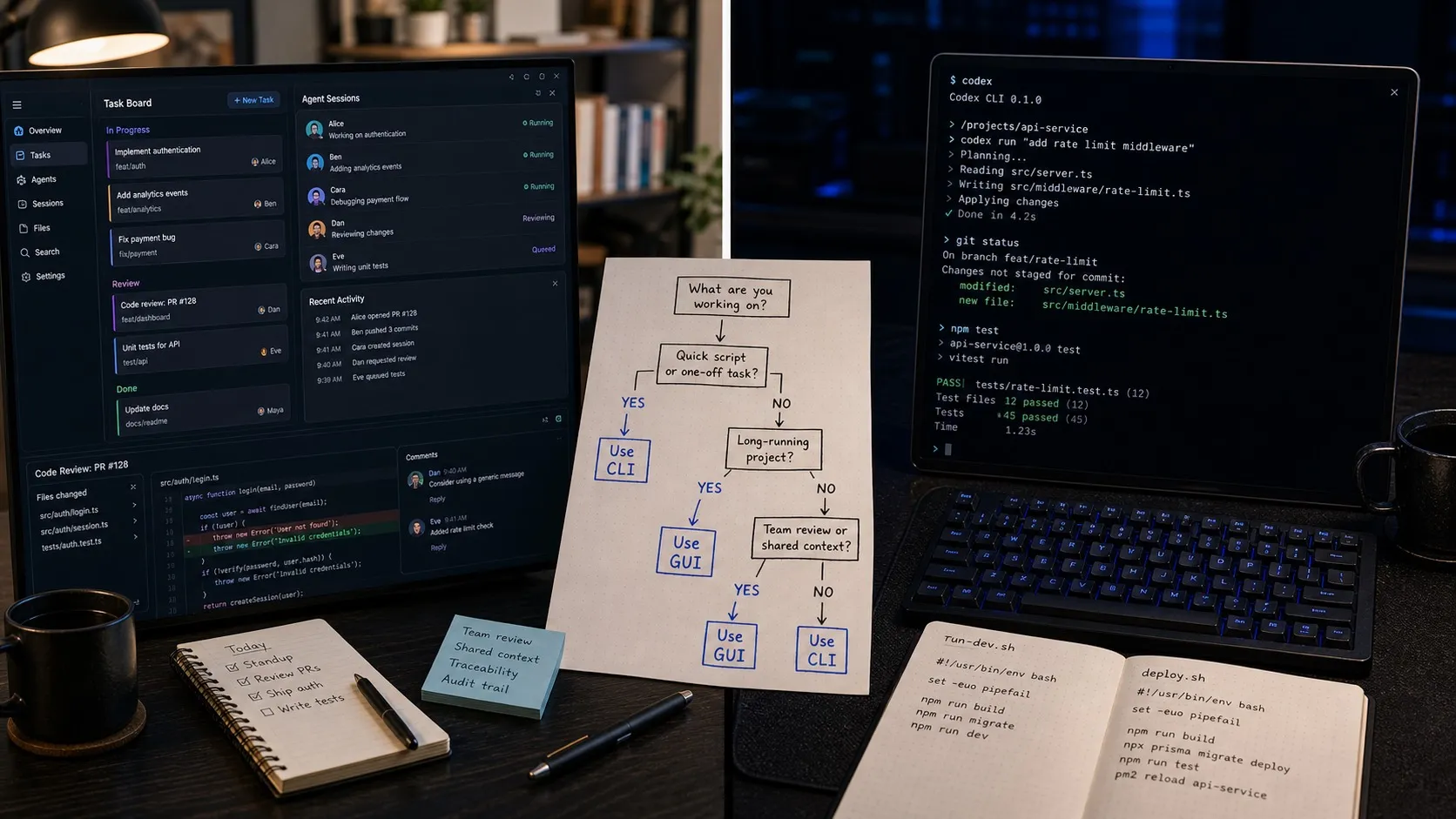
Claude Code and OpenAI Codex are both terminal-based AI coding agents. Both can read your codebase, make multi-file edits, and run commands. But they’re built on different models with different strengths, and picking the right one for each task can meaningfully affect your output quality and speed.
This isn’t a “which is better” comparison. It’s a practical guide to when each tool shines.
The Core Difference
Claude Code is powered by Claude Opus 4.6 and Sonnet 4.6. Its strength is deep reasoning — understanding complex codebases, planning multi-step refactors, and handling ambiguous requirements. It tends to be more careful and thorough.
Codex CLI is powered by OpenAI’s codex-optimized GPT-5 family. Its strength is speed and breadth — fast implementations, strong GitHub integration, and a wide surface area that includes ChatGPT, Slack, and cloud sandboxes.
Think of it this way: Claude Code is the senior engineer who thinks carefully before writing. Codex is the fast executor who ships quickly and integrates everywhere.
When to Use Claude Code
Complex Refactoring
Claude Code excels when a task requires understanding relationships across many files before making changes. Refactoring an auth system, restructuring a database layer, or migrating from one framework to another — these tasks need the model to hold a large context and reason about consequences.
Example: “Refactor our payment processing module from direct Stripe calls to a provider-agnostic interface. Keep all existing tests passing.”
Claude Code will typically:
- Read and understand the existing payment code
- Identify all touchpoints across the codebase
- Design the abstraction layer
- Implement changes file by file
- Run tests and fix issues
Codex will often attempt this but miss edge cases or create tighter coupling than intended.
Ambiguous Requirements
When your prompt is more “what” than “how” — “make the search faster” or “this page feels cluttered, clean it up” — Claude Code’s reasoning capabilities handle the interpretation better. It asks clarifying questions when needed and makes defensible decisions.
Large Codebase Navigation
Claude Code’s context handling shines on large codebases (100K+ lines). It’s better at finding relevant files, understanding import chains, and avoiding changes that break distant dependencies.
Security-Sensitive Code
For auth flows, encryption, permission systems, or anything where a subtle bug has serious consequences, Claude Code’s more careful approach is worth the extra time.
When to Use Codex
Straightforward Implementations
When the task is well-defined and the “how” is clear — “add a REST endpoint for user profiles” or “create a React component that displays a data table” — Codex is fast and reliable. It doesn’t need to overthink simple implementations.
Example: “Add a GET /api/users/:id endpoint that returns user profile data from the users table.”
Codex will generate clean, working code quickly. Claude Code will too, but may take longer as it considers edge cases you didn’t ask about.
GitHub-Integrated Workflows
Codex’s native GitHub integration is a genuine advantage. Creating PRs, responding to code review comments, running in GitHub Actions — these flows are smoother with Codex because it’s built into the OpenAI ecosystem that connects to GitHub directly.
Batch/Async Tasks
Codex’s cloud sandbox feature lets you fire off tasks that run asynchronously. You can describe 5 tasks in ChatGPT, delegate them to Codex sandboxes, and come back later to review the results. Claude Code requires your terminal to be open (unless using Remote Control or a wrapper tool).
Boilerplate and Scaffolding
For generating project scaffolding, config files, CI/CD pipelines, Docker setups, and other well-patterned work, Codex is fast and accurate.
Speed-Critical Iteration
When you’re iterating rapidly — “try this, no try that, actually go back to the first approach” — Codex’s faster response times keep your momentum.
Head-to-Head on Common Tasks
| Task | Better Choice | Why |
|---|---|---|
| Add a CRUD endpoint | Codex | Well-defined, fast execution |
| Refactor auth system | Claude Code | Requires deep codebase understanding |
| Write unit tests | Either | Both do this well |
| Debug a subtle race condition | Claude Code | Better at reasoning about concurrency |
| Generate project scaffolding | Codex | Pattern-matching, speed |
| Migrate database schema | Claude Code | Needs careful planning |
| Create a PR from an issue | Codex | Native GitHub integration |
| Optimize query performance | Claude Code | Requires analysis before action |
| Add a new React component | Either | Simple: Codex. Complex stateful: Claude Code |
| Fix a CI/CD pipeline | Codex | Pattern-based, well-defined |
Using Both Together
The highest-leverage workflow is using both agents in the same project, routing tasks to whichever is better suited.
A typical day might look like:
Morning:
- Start a Claude Code session for the complex feature you’ve been planning (auth refactor)
- Start two Codex sessions for the straightforward tickets (new endpoint, update config)
The Claude Code session takes longer but produces higher-quality output on the hard problem. The Codex sessions ship quick wins while you wait.
Tools that support this:
Most developers manage this with separate terminal tabs, which gets messy fast. A few tools support mixed-agent workflows:
- Nimbalyst runs both Claude Code and Codex sessions on the same kanban board, letting you route tasks to the right agent and see all session status in one place
- Localforge supports multiple agent backends in a local-first interface
- Manual approach: two terminal windows, disciplined note-taking
Configuration Tips
Claude Code
- CLAUDE.md files: Write detailed project context files. They significantly improve output quality.
- Permission mode: Start with
--allowedToolsto pre-approve common operations. - Subagents: For large tasks, Claude Code can spawn subagents for parallel subtasks.
Codex
- AGENTS.md files: The Codex equivalent of CLAUDE.md. Same principle.
- Approval policies: Configure sandbox-level approval for trusted operations.
- ChatGPT delegation: For async tasks, delegating from ChatGPT to Codex sandboxes is the fastest path from idea to PR.
The Model Quality Gap
As of spring 2026, Claude Opus 4.6 leads or ties on most coding benchmarks. Current Codex-family GPT-5 results are close behind and occasionally win on speed-oriented benchmarks.
In practice, the gap matters most on:
- Complex multi-file tasks: Claude Code produces fewer bugs on first attempt
- Ambiguous instructions: Claude Code interprets intent more accurately
- Simple tasks: Negligible quality difference — Codex’s speed advantage wins
Verdict
Don’t pick one. Use both.
Claude Code for the hard stuff: refactors, migrations, security-sensitive code, ambiguous requirements. Codex for the fast stuff: endpoints, components, scaffolding, GitHub workflows.
The developers shipping the most work in 2026 aren’t debating Claude vs. Codex. They’re running both in parallel and routing each task to the right agent.
Related Reading
Related posts
-
Best Conductor Alternatives 2026: Windows, Linux, and Open Source
Conductor is macOS only. The best Conductor alternatives in 2026 compared on platform support, agent coverage, licensing, and worktree isolation.
-
Best AI Agent Orchestration Platforms 2026: Coding vs Workflow
AI agent orchestration means two different products. Compare control planes for your own coding agents (Nimbalyst, Orca, Emdash, Superset, Conductor, Warp) against workflow frameworks like LangGraph and CrewAI.
-
Open Source Agent Workspaces 2026: 8 Tools Compared
cmux, Superset, Orca, Paseo, Herdr, T3 Code, Goose, and Warp compared in 2026: platforms, licences, worktree isolation, mobile access, and which agent workspace fits which workflow.