Comparison
Nimbalyst vs VS Code + Claude Code
VS Code with Claude Code is the default starting point for many developers. Nimbalyst is the open-source visual workspace for building with Codex, Claude Code, and more. The choice is between an editor-centric setup and a workspace where the agent is the primary surface.
Free for individuals. Works with your existing Claude Code or Codex subscription or API key.
Overview
Two tools, different approaches
Nimbalyst
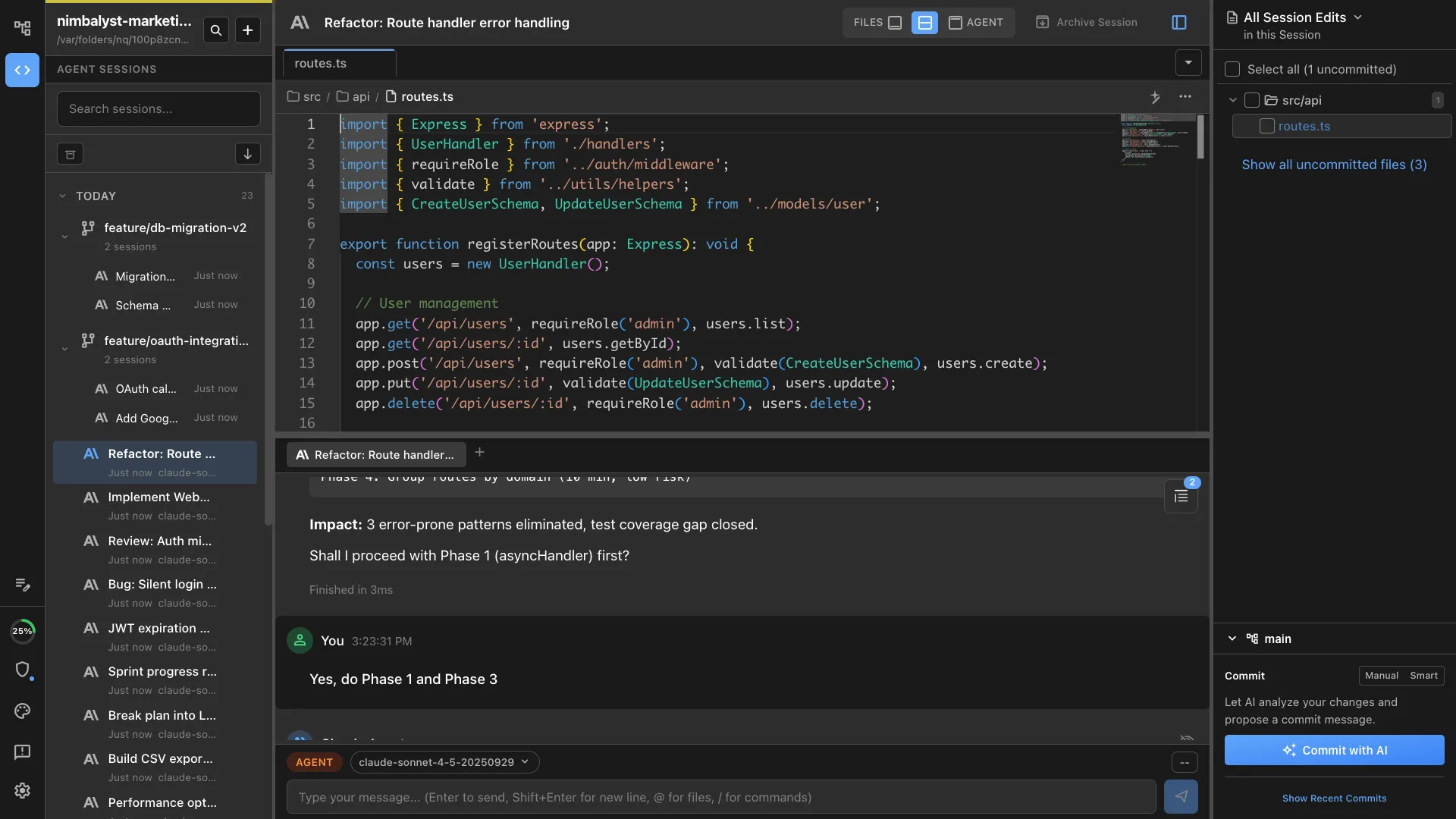
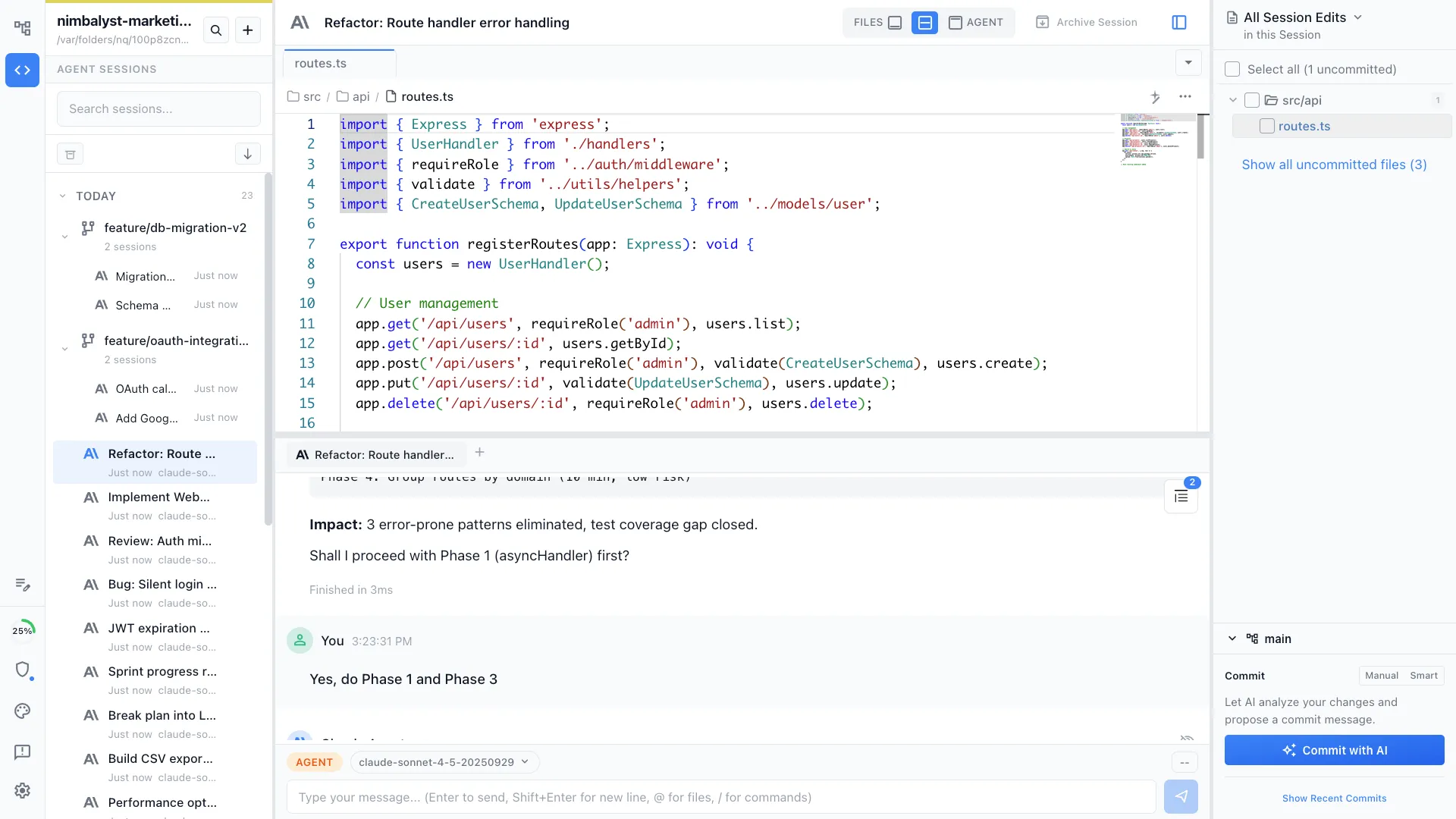
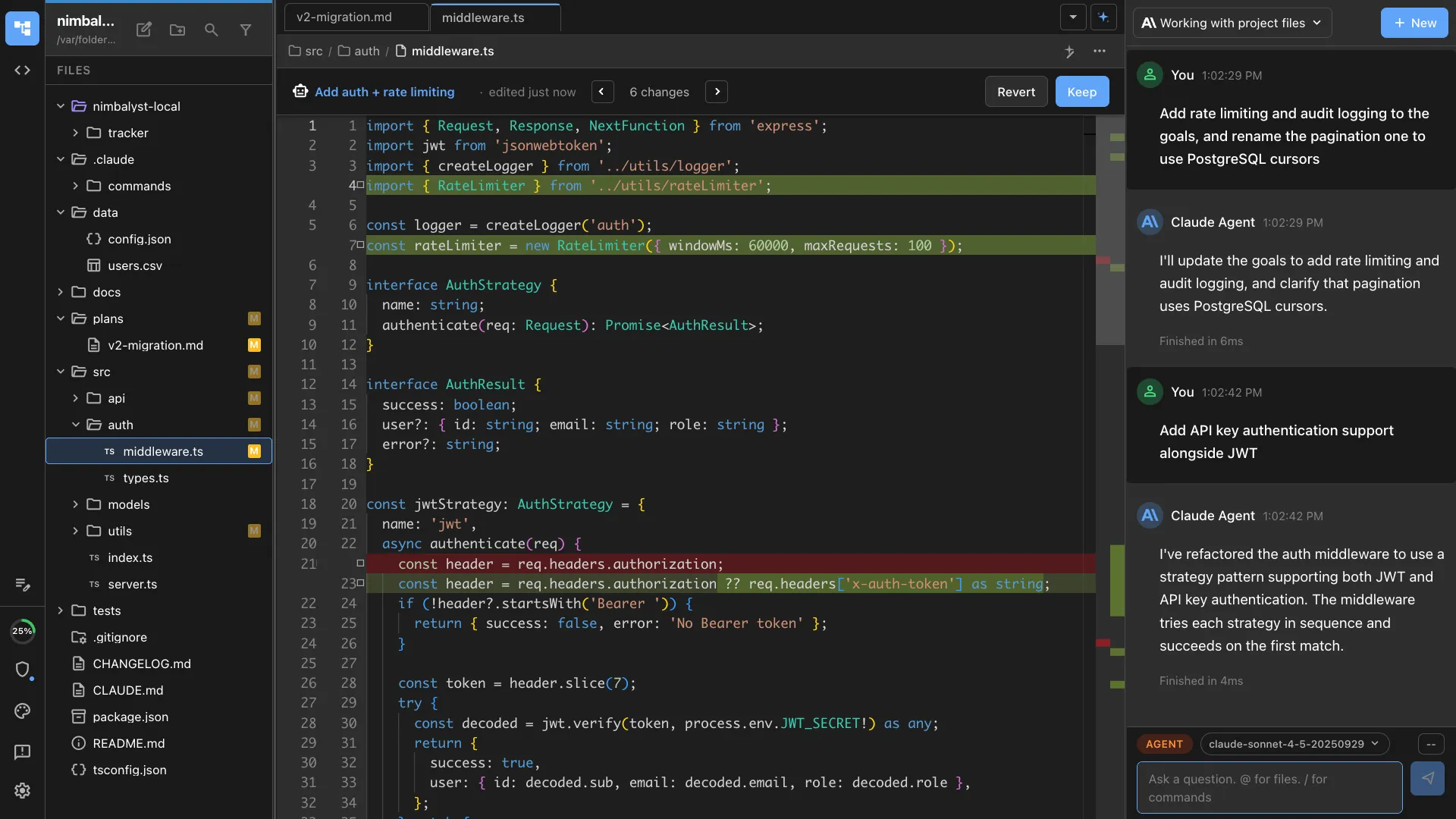
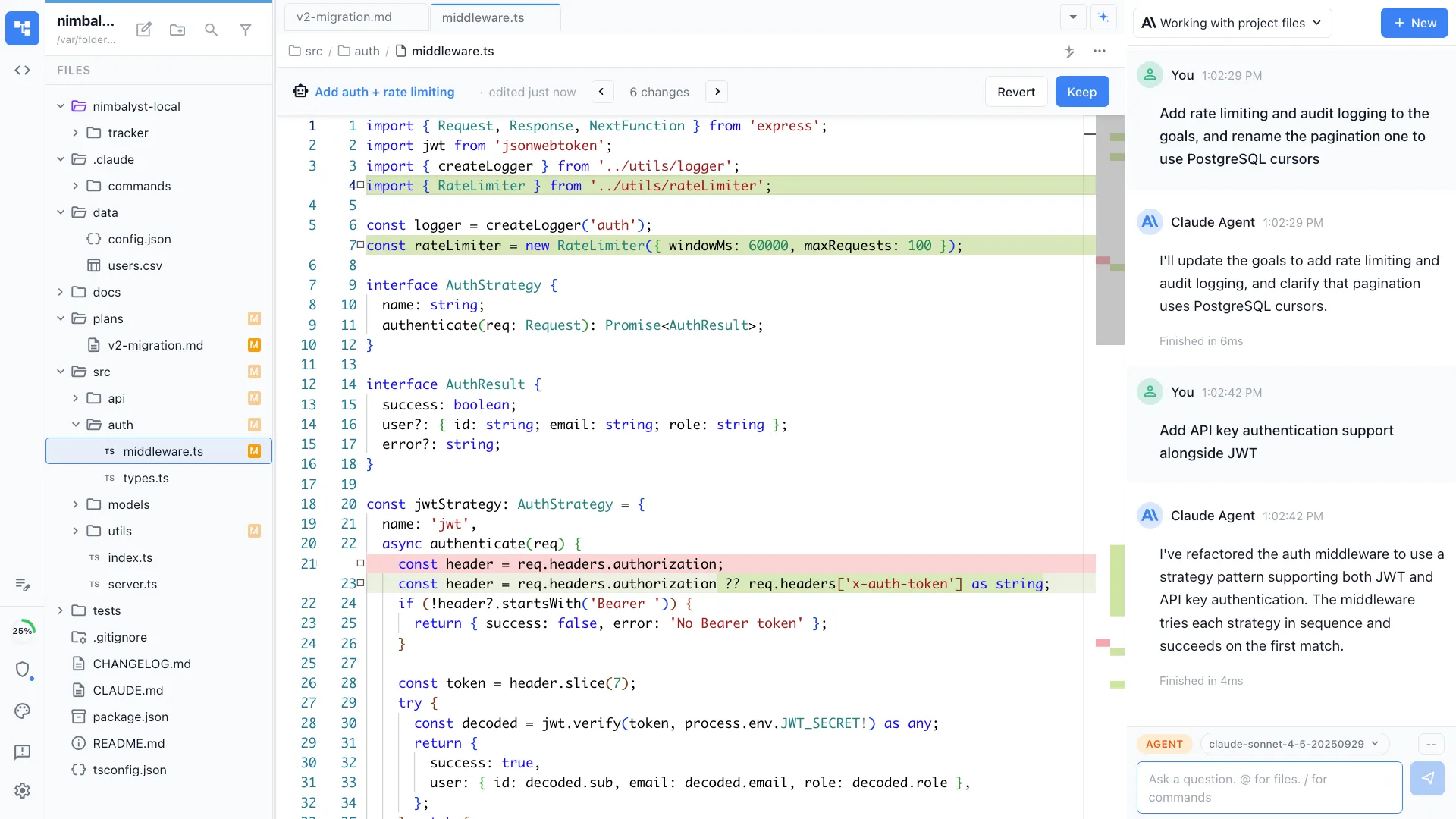
Nimbalyst is an AI-native workspace built on top of Claude Code and Codex. It runs the actual Claude Code agent with a kanban session board, optional one-click git worktree isolation per session, inline diff review, and visual editors for markdown, mockups, diagrams, and data models. It is not an IDE replacement. Many users keep VS Code open for raw editing and Nimbalyst open for agent work.
VS Code + Claude Code
VS Code with Claude Code can mean either the CLI in an integrated terminal or Anthropic's official VS Code extension. It is the familiar editor-centric setup, with Claude working either beside the editor or inside it.
Feature Comparison
Side-by-side breakdown
Nimbalyst Advantages
Where Nimbalyst shines
Kanban session board
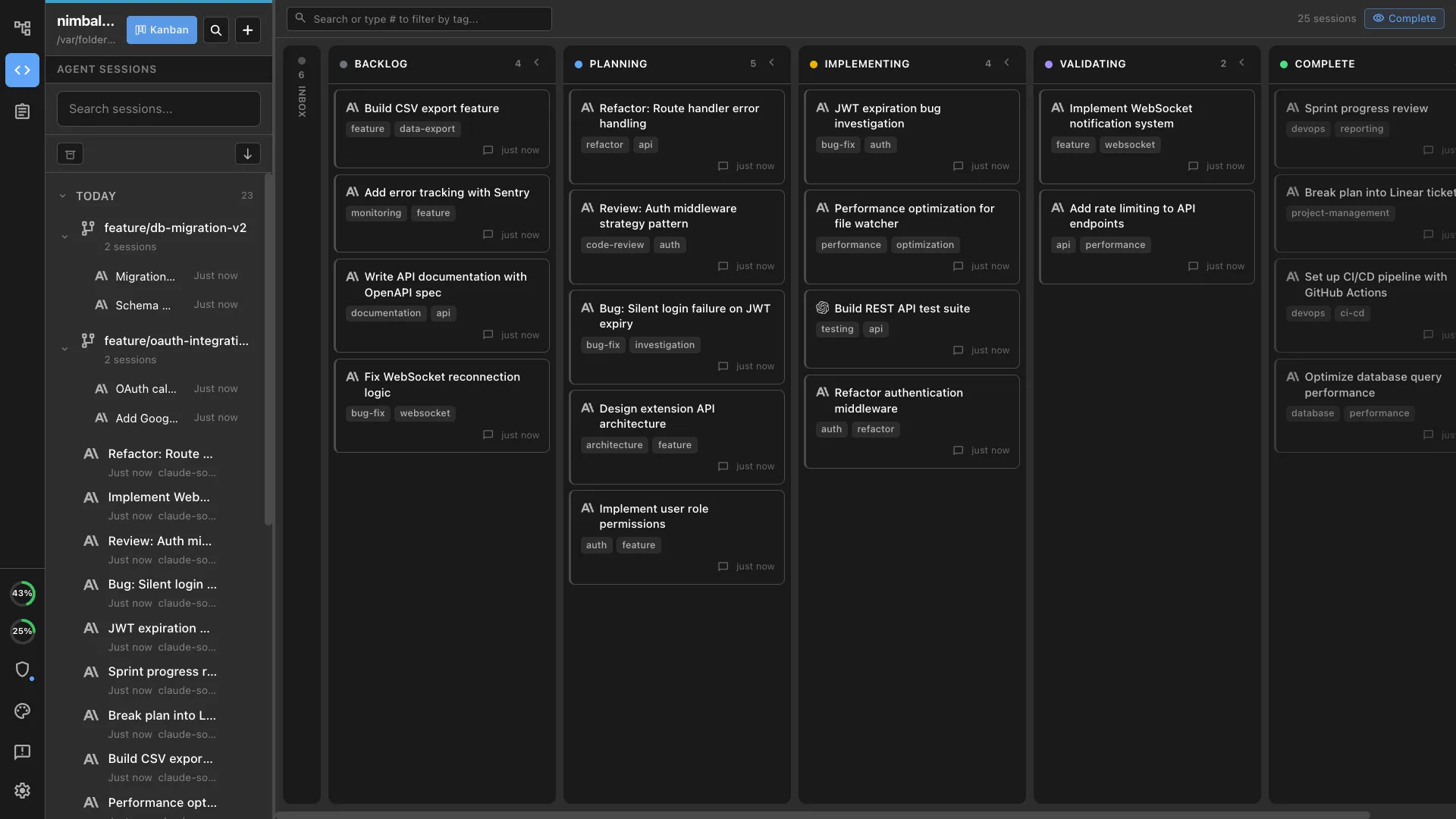
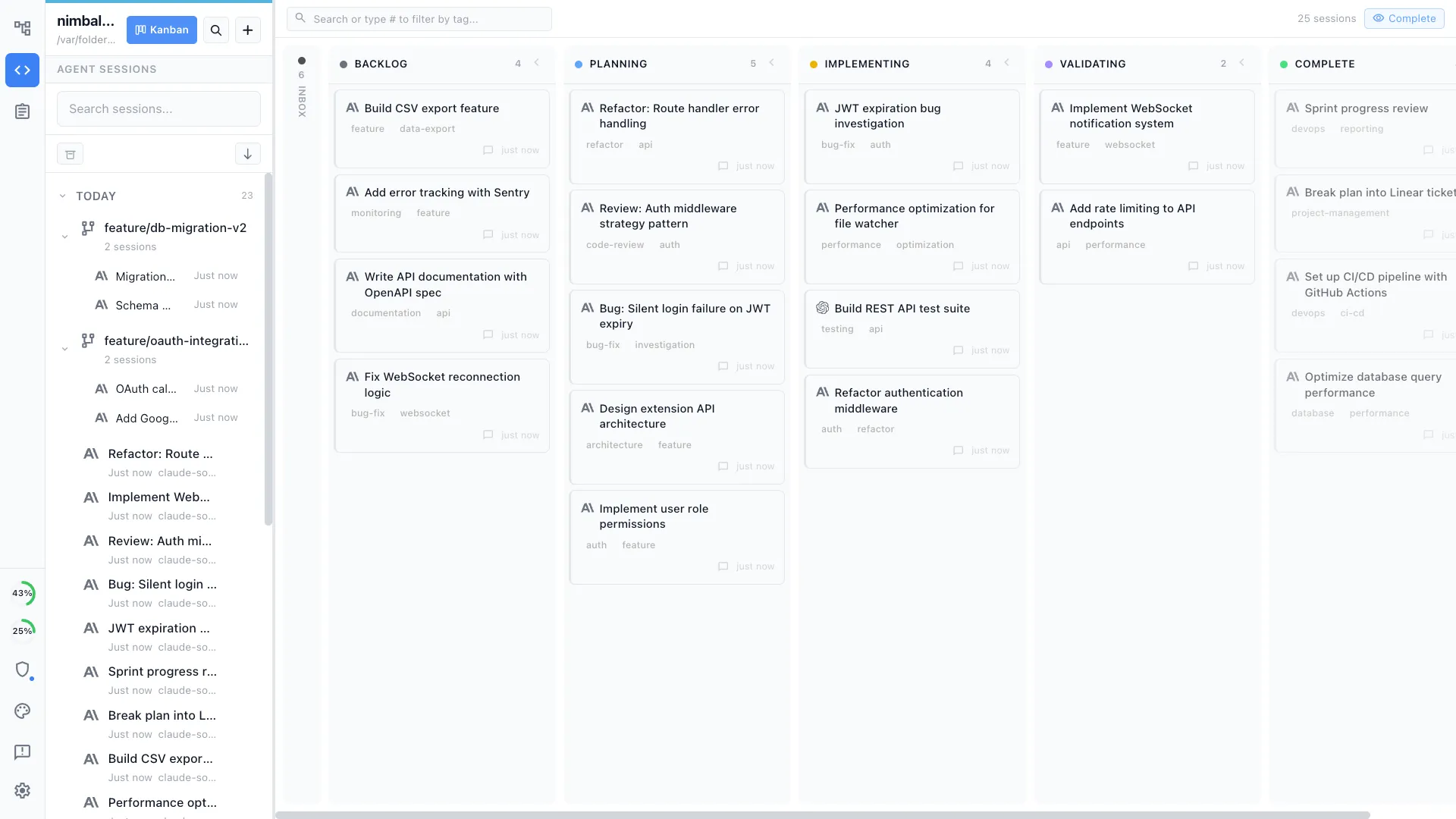
Six parallel Claude Code sessions on one screen with phases, tags, and worktrees. The VS Code setup gives you editor tabs, terminals, and the Claude extension, but not a dedicated session board.
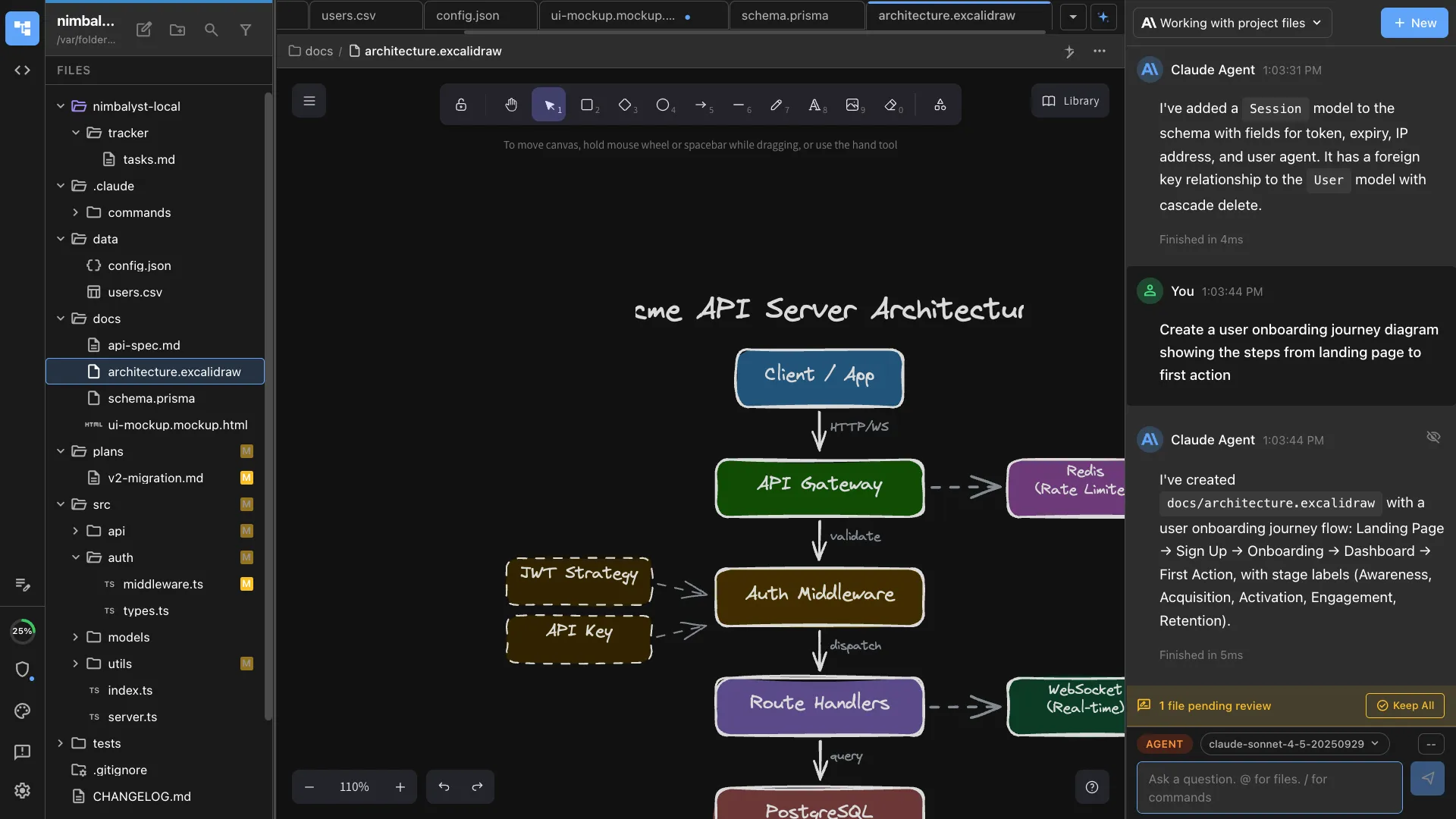
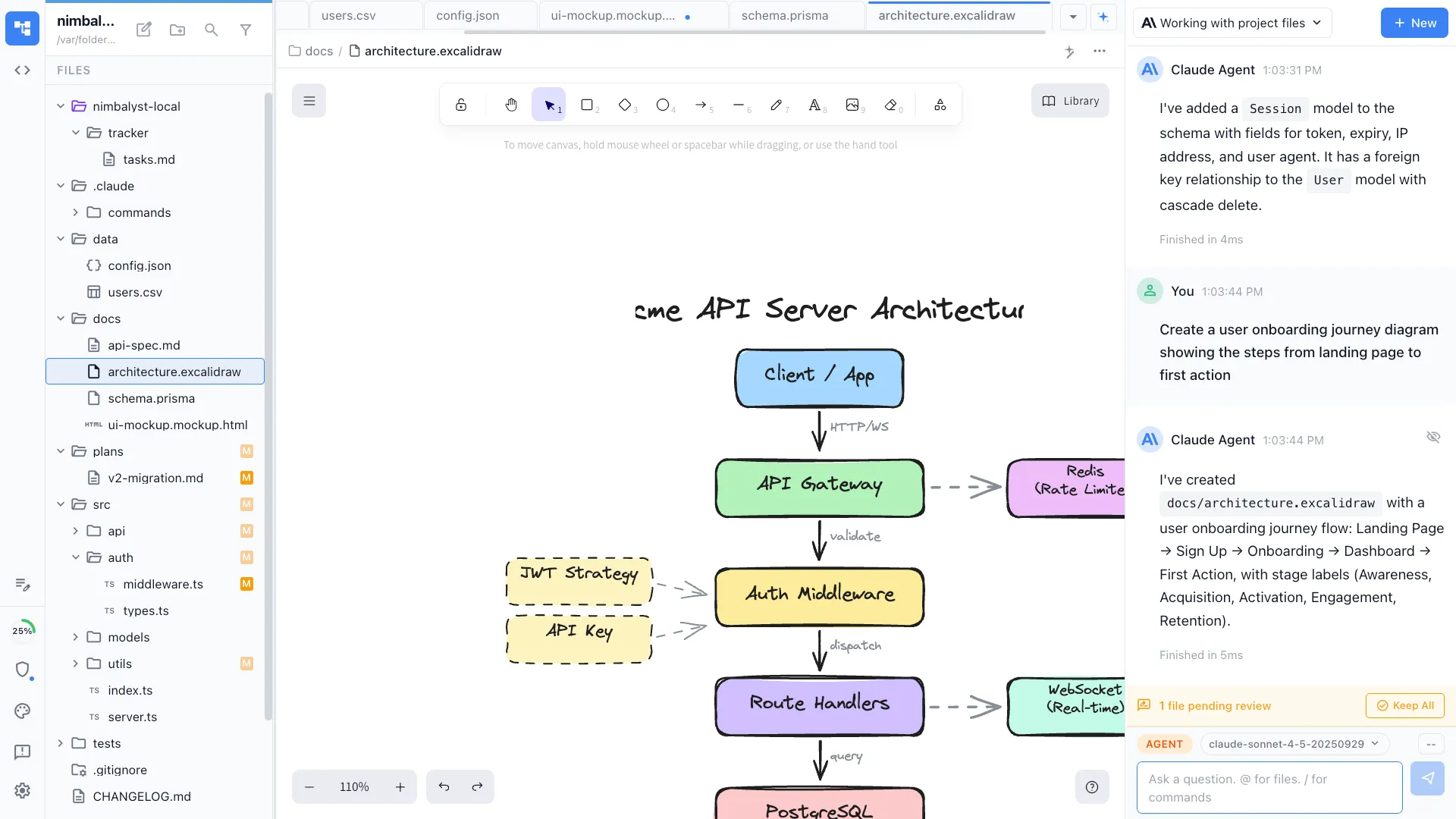
Visual editors
Edit Excalidraw diagrams, MockupLM UI mockups, and data models with AI support. VS Code can do this through extensions, but it requires assembly.
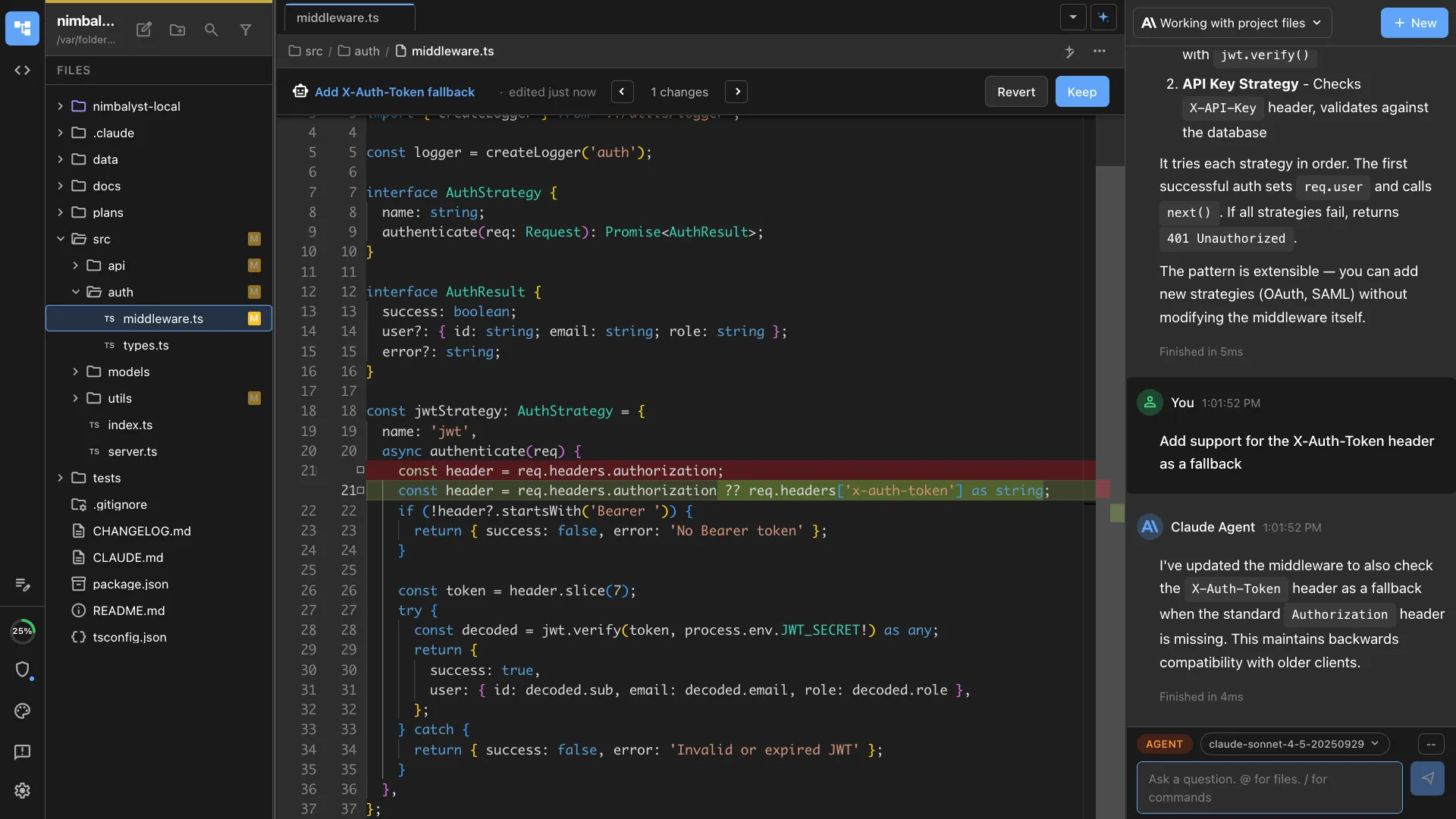
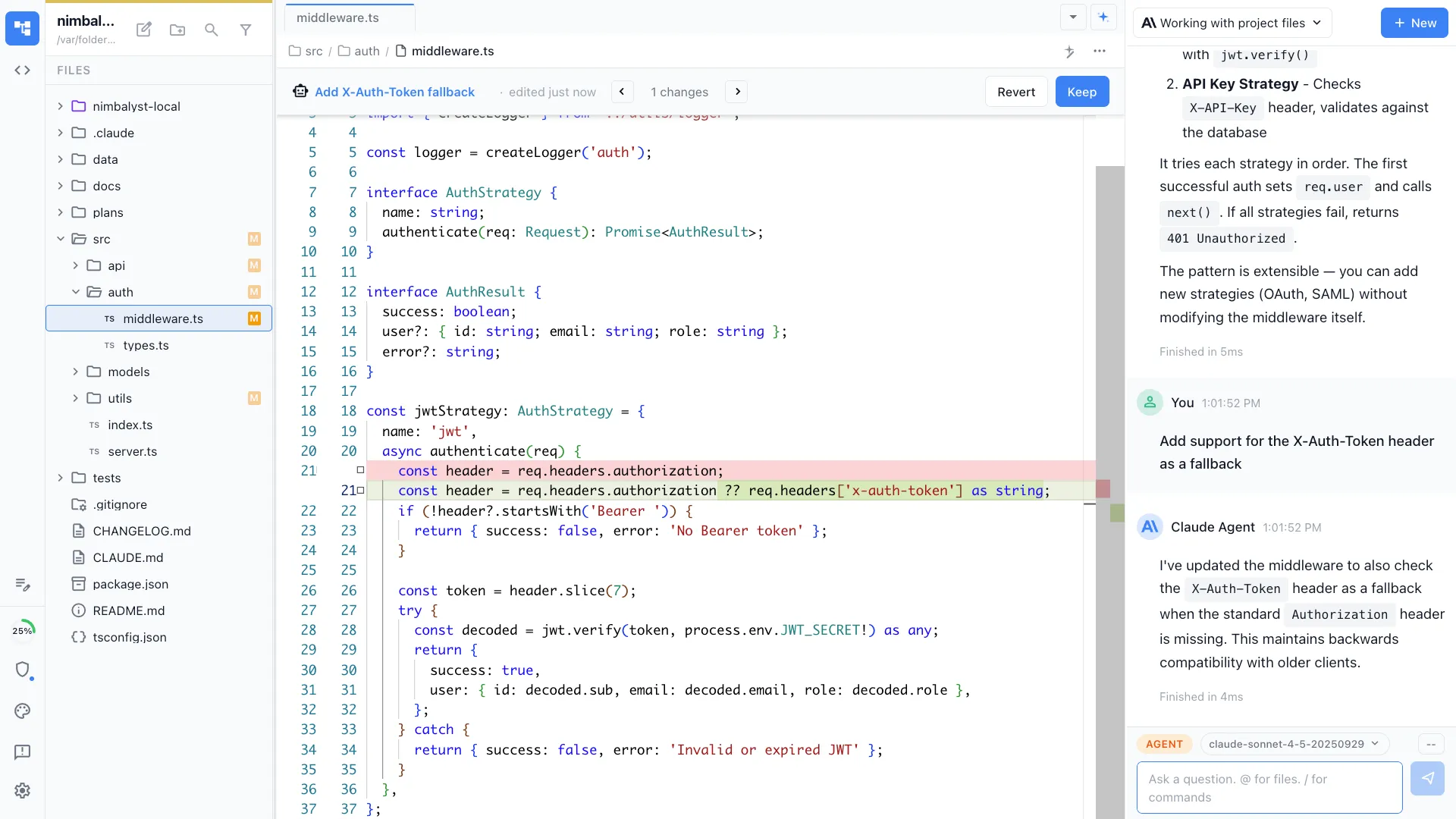
Per-session file traceability
Every session has a sidebar showing exactly which files it touched. Track six sessions without losing track of which one changed what.
Honest Assessment
Where VS Code + Claude Code is stronger
Maximum editor familiarity
VS Code is the most-used editor in the world. Most developers have keybindings, extensions, and muscle memory dialed in already.
Massive extension ecosystem
VS Code's extension marketplace is the largest in the editor space. For specialized language support or niche workflows, the extension probably exists.
Recommendation
Who should use which
Choose Nimbalyst if…
You run multiple Claude Code sessions in parallel, want kanban-style management, need optional one-click worktree isolation per session, or want visual editors for non-code artifacts. Many users run Nimbalyst alongside VS Code.
Choose VS Code + Claude Code if…
Single-session work where VS Code is your editor and the Claude Code CLI in a side terminal is enough. Maximum editor familiarity, no new app to learn.
Want your agents, code, docs, and visual planning in one workspace? Try Nimbalyst free.
Free for individuals. Works with your existing Claude Code or Codex subscription or API key.
Nimbalyst Teams is multiplayer. Your whole team, Codex, and Claude Code in one shared workspace.