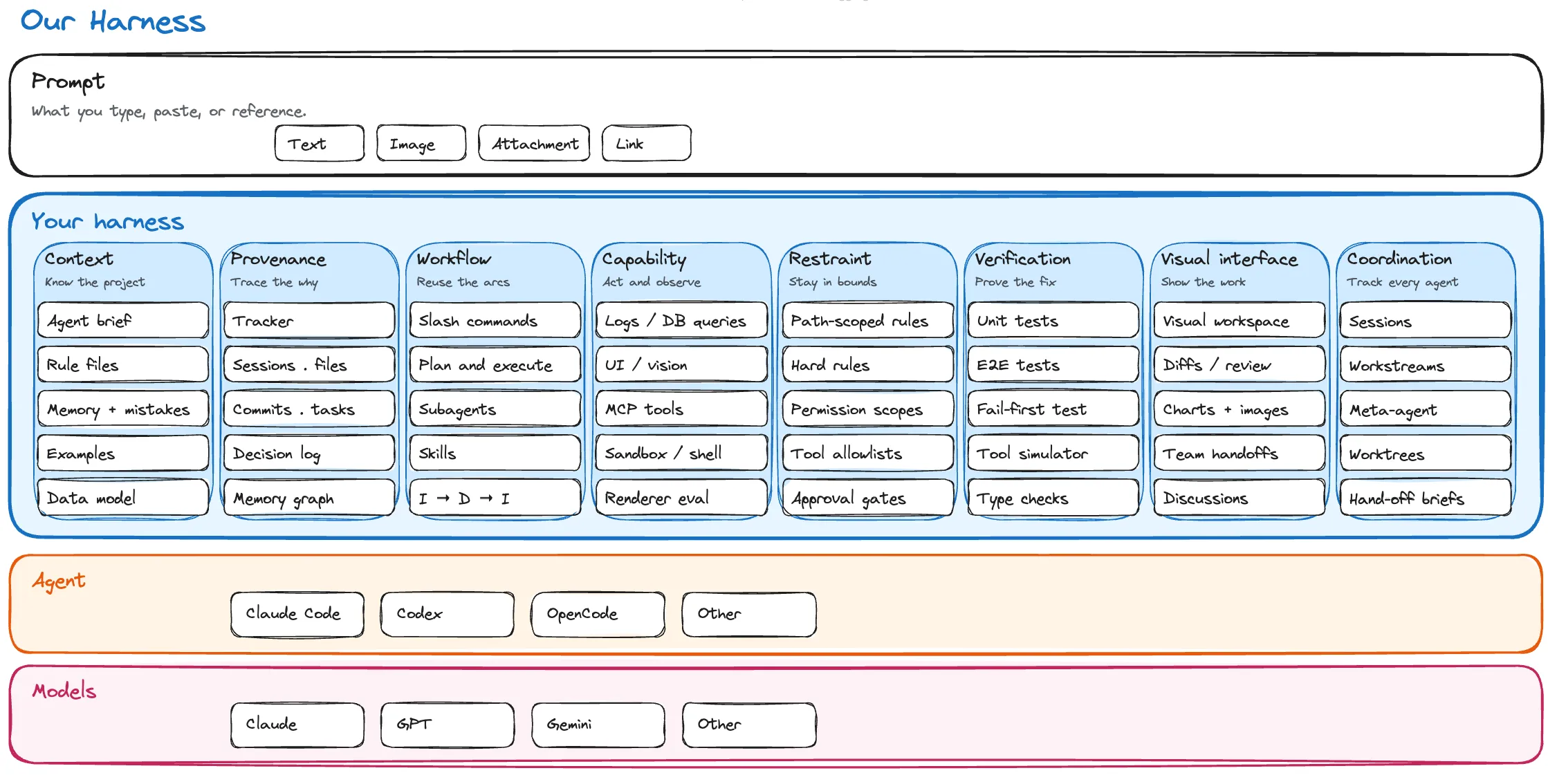
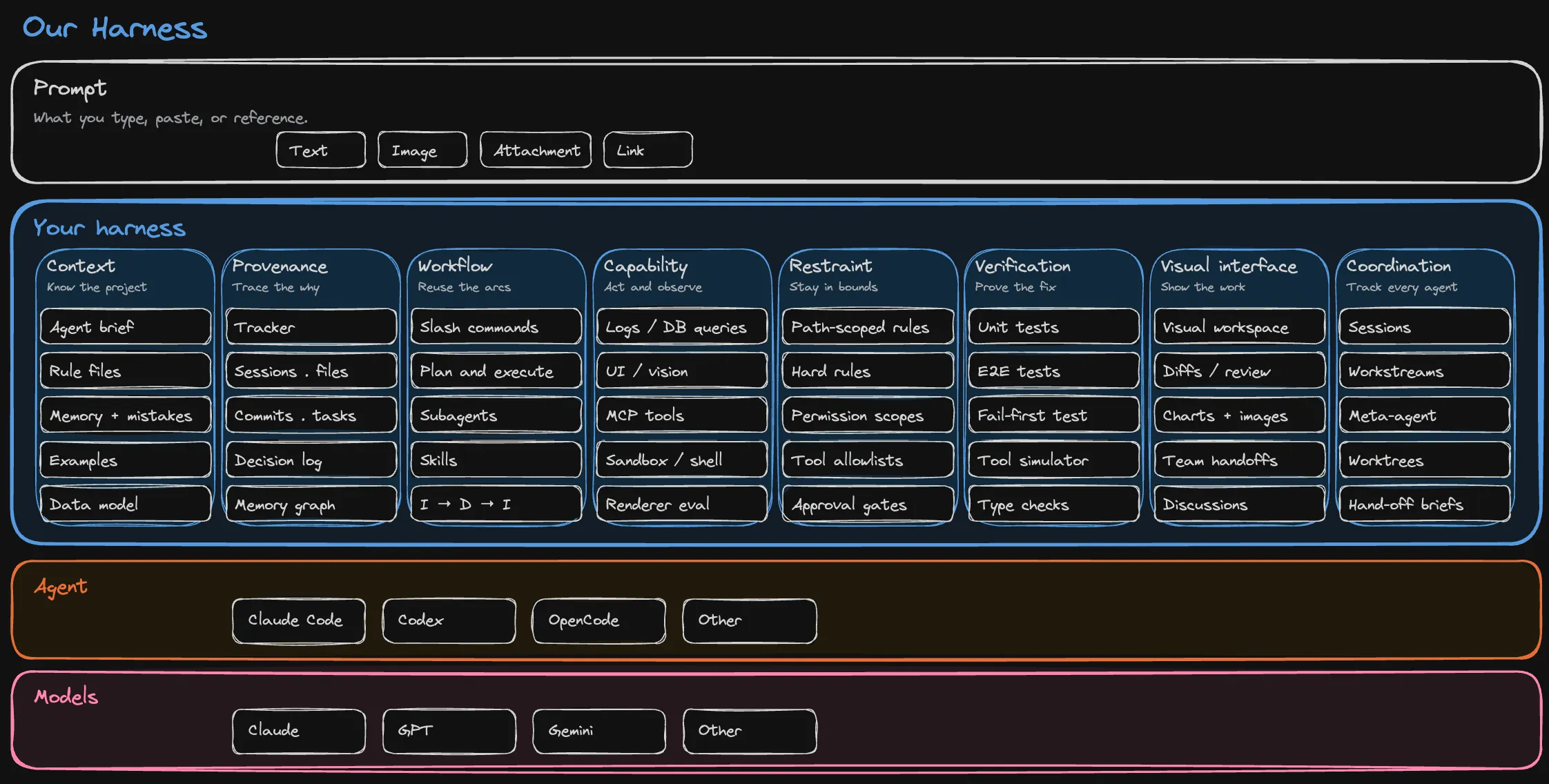
Keep your team's context, tools, rules, verification, and coordination portable across Claude Code, Codex, OpenCode, and whichever coding agent lands next.
Eight layers
What goes into a harness
An agent harness is the durable system around an AI model that supplies project context, tools, permissions, workflow, and proof that the work is correct. Claude Code and Codex each provide a vendor harness; your team provides the project harness above them.
A harness you own stays readable, editable, versioned, and portable. We organize ours into eight layers, each answering a recurring failure mode in production coding work.
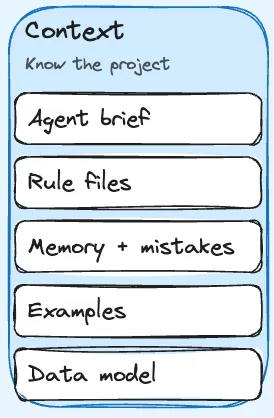
CLAUDE.md, AGENTS.md, path-scoped rules, reusable skills, examples and recipes, your data model, and your past decisions.
Each session starts with the team's accumulated decisions already in scope, instead of being re-derived from the prompt.
02
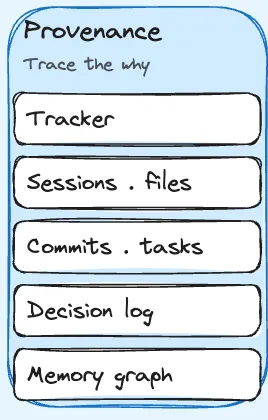
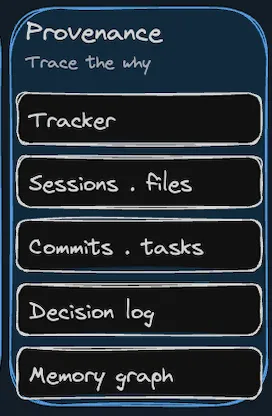
Trace the why
Provenance
Typed links between tracker items, plans, specs, diagrams, mockups, sessions, diffs, files, commits, and decisions. File-edit history tied to the session that produced it.
Git captures what changed. Provenance captures why and how we got there.
03
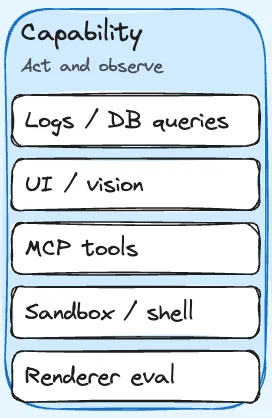
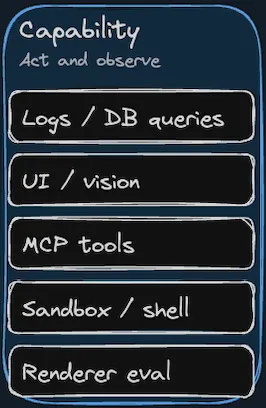
Act and observe
Capability
Tools that read logs, query the running database, drive the UI, take screenshots, and run end-to-end test loops. MCP wrappers for the third-party systems the agent uses every day.
An agent that can act on the world and observe the result can often close its own loop.
04
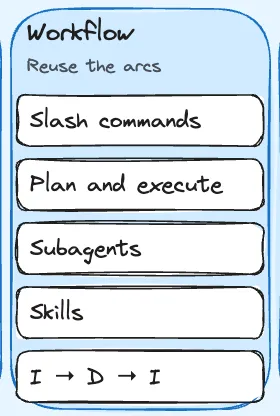
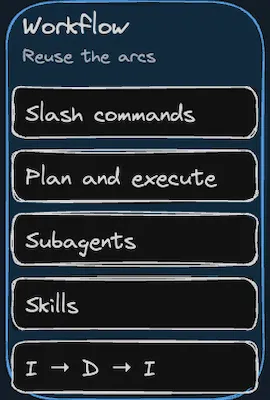
Reuse the arcs
Workflow
Slash commands, plan-then-execute arcs, an investigate-design-implement progression, subagents, and reusable skills for recurring jobs.
A workflow layer keeps each session from reinventing itself every time it starts.
05
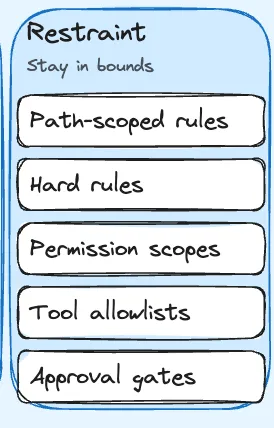
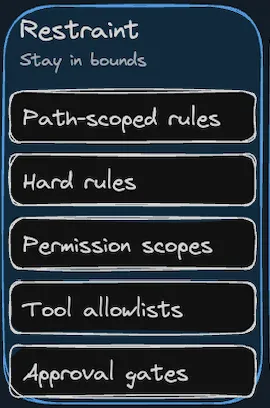
Stay in bounds
Restraint
Hard rules, approval boundaries, permission scopes, tool allowlists, workspace trust modes, and an audit trail.
A capable agent without restraint eventually does something expensive, destructive, or embarrassing faster than you expected. Build restraint with every new capability.
06
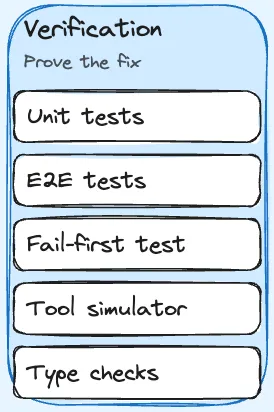
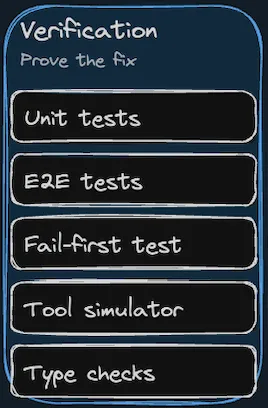
Prove the fix
Verification
Unit tests, end-to-end tests, fail-first reproductions, type checks, and a simulator for AI tool calls.
If the agent cannot show the change works end-to-end, it is not done.
07
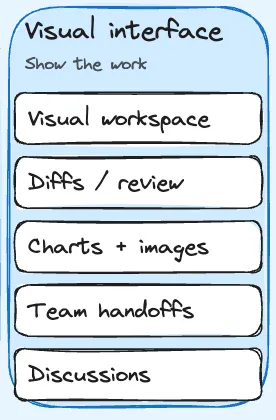
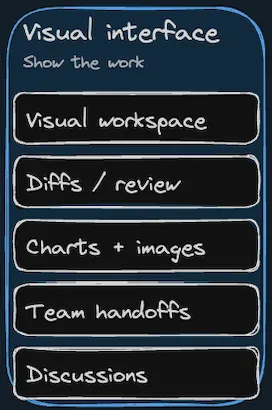
Show the work
Visual interface
Markdown, mockups, diagrams, data models, red and green diffs, screenshots, interactive prompt widgets, voice, and threaded discussions tied to the artifacts.
A visual workspace keeps decisions attached to artifacts instead of burying them in chat.
08
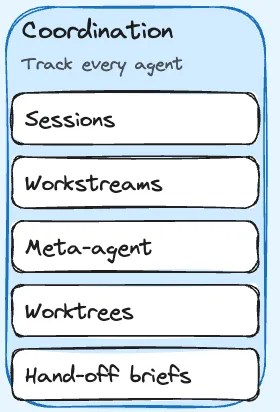
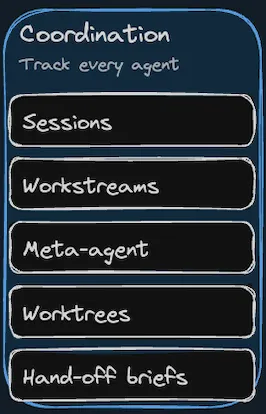
Track every agent
Coordination
Sessions on a kanban, workstreams that group related work, a meta-agent that spawns and supervises siblings, worktrees for parallel branches, and hand-off briefs between sessions.
Without coordination, running many agents means more tab graveyards. With it, the harness itself tracks who is doing what, where, and why.
A worked example
A harness in action
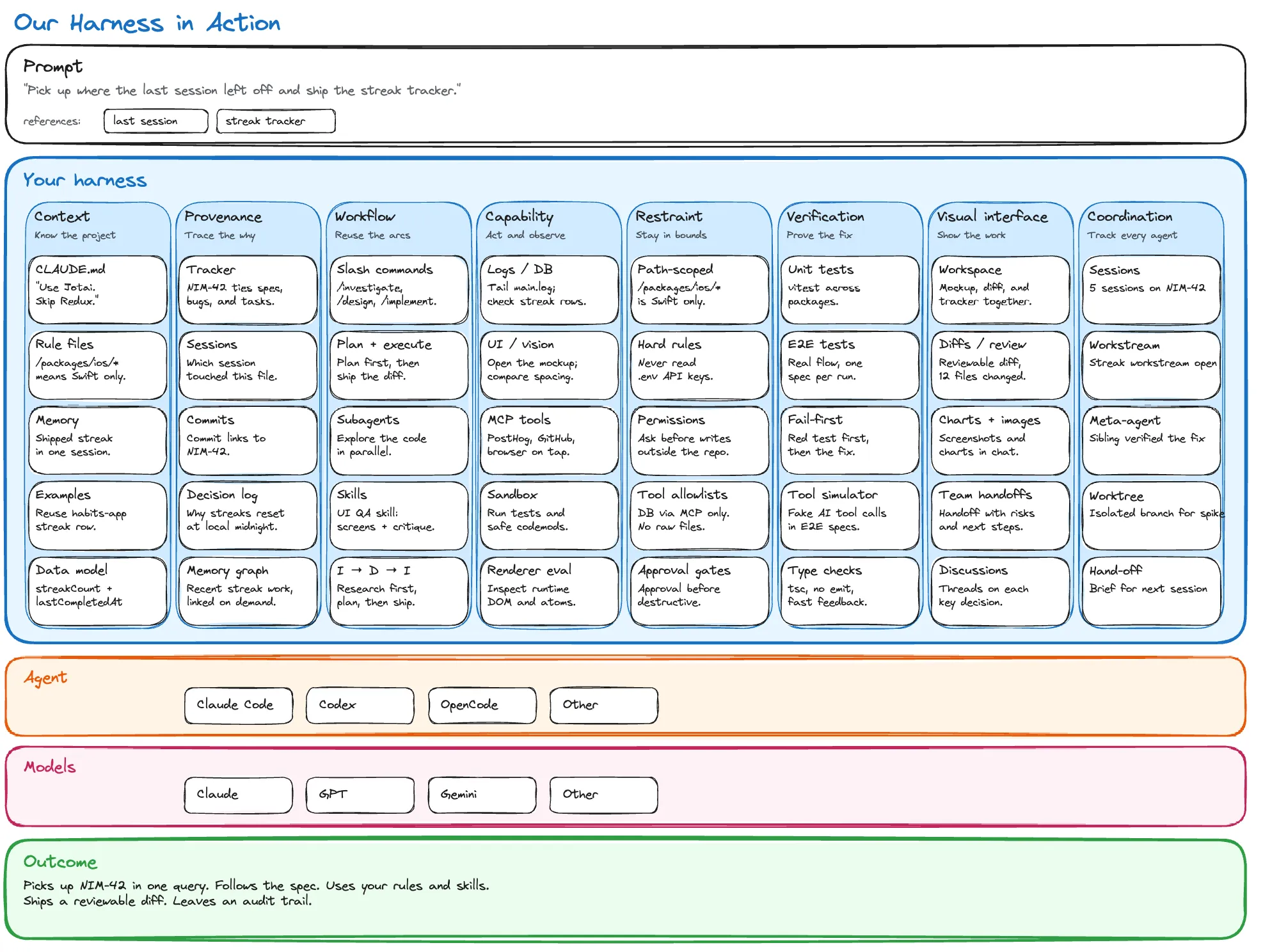
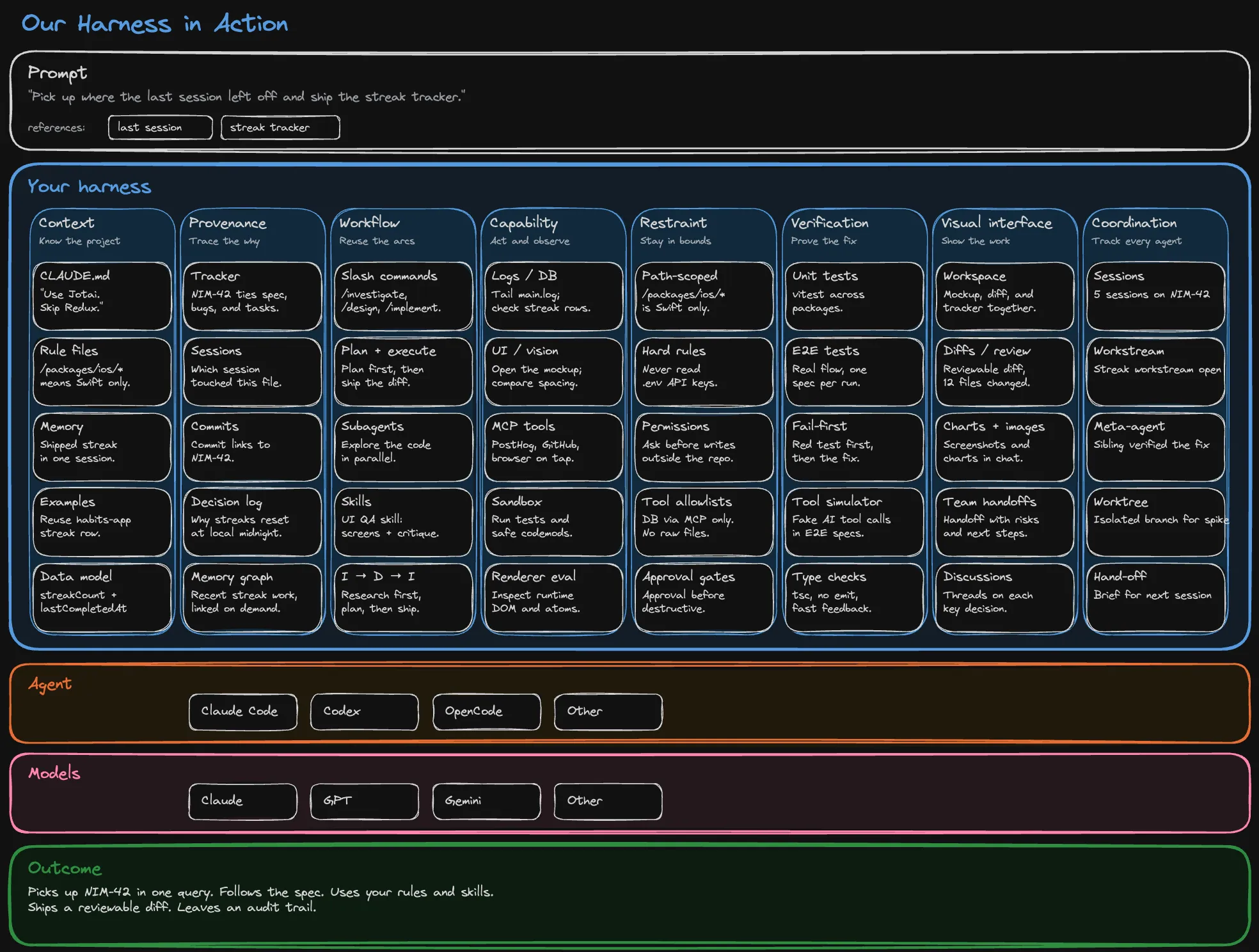
Here is what those eight parts look like filled in for a single concrete prompt, all the way through to the resulting outcome.
The same eight-part structure, filled in with what each cell looks like for a real piece of work.
How to think about your harness
Prioritizing your harness
Own your harness
If you cannot read it, edit it, take it with you, and run it under any agent you choose, it is not yours.
Invest in your harness
Spend a meaningful share of your AI effort on better rules, tools, recorded decisions, tighter verification loops, and ways for your sessions to coordinate. Treat the harness as a product your team ships to itself.
Keep it portable across models
Same files, same rules, same tools, same graph, whatever model lands next. If switching agents means rebuilding the harness, you do not really have optionality.
Build, adopt, or rent
Open-source vs in-house vs vendor-native agent harnesses
These are ownership models, not mutually exclusive technologies. Most mature teams combine repo-local context with an open tool layer and a workspace. The deciding question is which parts remain yours when the underlying model changes.
Fastest start
Vendor-native
Use one coding agent's built-in prompts, memory, tools, permissions, and interface. Setup is quick, but portability and inspectability depend on the vendor.
Best when one agent covers the work and switching costs are acceptable.
Maximum control
In-house
Build instruction loading, tool adapters, permissions, traces, evaluation, and coordination internally. You control every layer and maintain every layer.
Best when requirements are unusual and a platform team can own the maintenance.
Own without starting at zero
Open source
Adopt an inspectable base, keep configuration and context in your repository, and extend the pieces that are specific to your team.
Best when portability matters but rebuilding a complete harness does not.
Nimbalyst is an open-source workspace built around these eight layers
Visual interface, provenance graph, workflow scaffolding, capability and observability tools, verification loops, multi-agent coordination, and cross-model CLAUDE.md and skills, all in one workspace. Claude Code and Codex run as first-class agents. The agent layer is pluggable for whatever lands next.
The desktop and iOS apps are MIT licensed. Study how they are wired, copy what is useful, or run Nimbalyst as your workspace. The public blueprint links the concepts here to the actual files in the repository.
An agent harness is the system around the AI model that helps it do real work on your project. We think about ours in eight layers: context (what the agent knows about your code and conventions), provenance (typed links that record why each change exists), capability (tools that act on and observe live state), workflow (slash commands, plan-then-execute, subagents, skills), restraint (rules, permissions, allowlists), verification (tests, type checks, fail-first reproductions, AI tool simulators), a visual interface (the workspace where work happens and gets reviewed), and coordination (how the human keeps track of many agents working in parallel). The model is interchangeable. The harness is where your durable investment lives.
How is a harness different from Claude Code or Codex?
Claude Code and Codex are themselves harnesses. They wrap a frontier model with a system prompt, a tool set, a permission system, and an execution loop. Your team provides a second harness on top of that: the workspace, the linked context, the workflow, the rules, the verification loop, the multi-agent coordination, and the tools that are specific to your project.
Why does the harness matter more than the model?
Frontier models flip the leaderboard every few weeks. Recent studies from Stanford and Tsinghua show that the orchestration code around the model drives more performance variation than the model itself: the same model can produce a six-times gap in result quality depending on the harness it runs in. Investment in your harness compounds and survives model churn. Investment in tuning prompts for last quarter's model does not.
How do I start building a harness for Claude Code and Codex?
Start with a CLAUDE.md or AGENTS.md at the root of your project that captures your real conventions and hard rules. Add path-scoped rules for areas with special concerns, then wire up at least one tool that lets the agent verify its own work, like a test loop or screenshot tool. The open-source agent harness blueprint on this site provides a repository structure and checklist you can copy.
What is the provenance graph in a harness?
The provenance graph records persistent, typed links between the artifacts that matter. Tracker item to plan, plan to spec, spec to diagram, diagram to session, session to diff, diff to files, decision to the work that forced it. Without it, the connections between work live only in human heads and an agent cannot traverse them. With it, both human and agent can pick up where the last session left off in a single traversal.
What does coordination add when you only have one agent?
Not much, at first. Coordination is the pillar that compounds as you start running more than one agent in parallel. A kanban of sessions, workstreams that group related work, and a meta-agent that can spawn siblings or supervise long-running background tasks let the human keep a single overview across many agents instead of opening more chat windows.
Is Nimbalyst the only way to build a harness?
No. Many of the pieces of a good harness, like CLAUDE.md, path-scoped rules, and tool definitions, can be built up inside any project. Nimbalyst is one open-source example of a workspace that already includes the provenance graph, workflow, verification, visual interface, and multi-agent coordination parts. Adopt it whole, copy ideas from it, or use it as a reference while building your own.
Should I build an in-house harness or use an open-source harness?
Build the project-specific layer in house: your rules, examples, context, permissions, and evaluation cases. Use an open-source base for generic workspace, provenance, tool, and coordination capabilities when it meets your needs. A fully custom harness makes sense when your requirements are unusual enough to justify owning the platform maintenance as well as the project layer.
Is this related to Harness.io?
No. This page uses agent harness to mean the system around an AI coding model. Harness.io is a separate software delivery and continuous delivery company.
Nimbalyst: the open-source visual workspace for building with Codex, Claude Code, and more