Comparison
The cross-platform Conductor alternative for Windows and Linux
Nimbalyst is the direct Conductor alternative for teams that need Windows or Linux support. Both products manage parallel Claude Code and Codex sessions with isolated git workspaces and diff review. Conductor is a polished macOS control plane; Nimbalyst adds macOS, Windows, Linux, and iOS support, open-source licensing, planning, visual editors, and a broader review workspace.
Free for individuals. Works with your existing Claude Code or Codex subscription or API key.
Overview
Two tools, different approaches
Nimbalyst
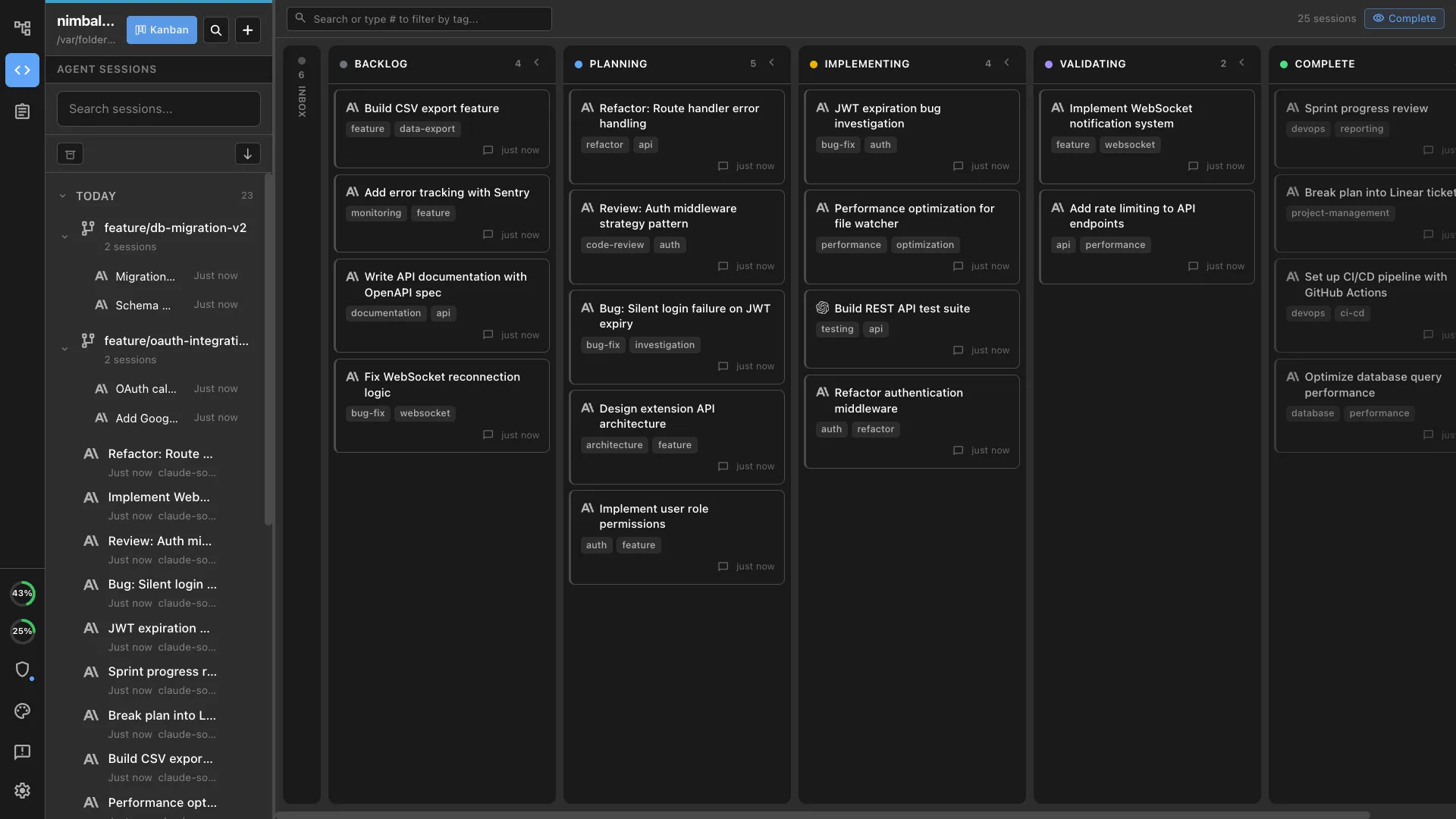
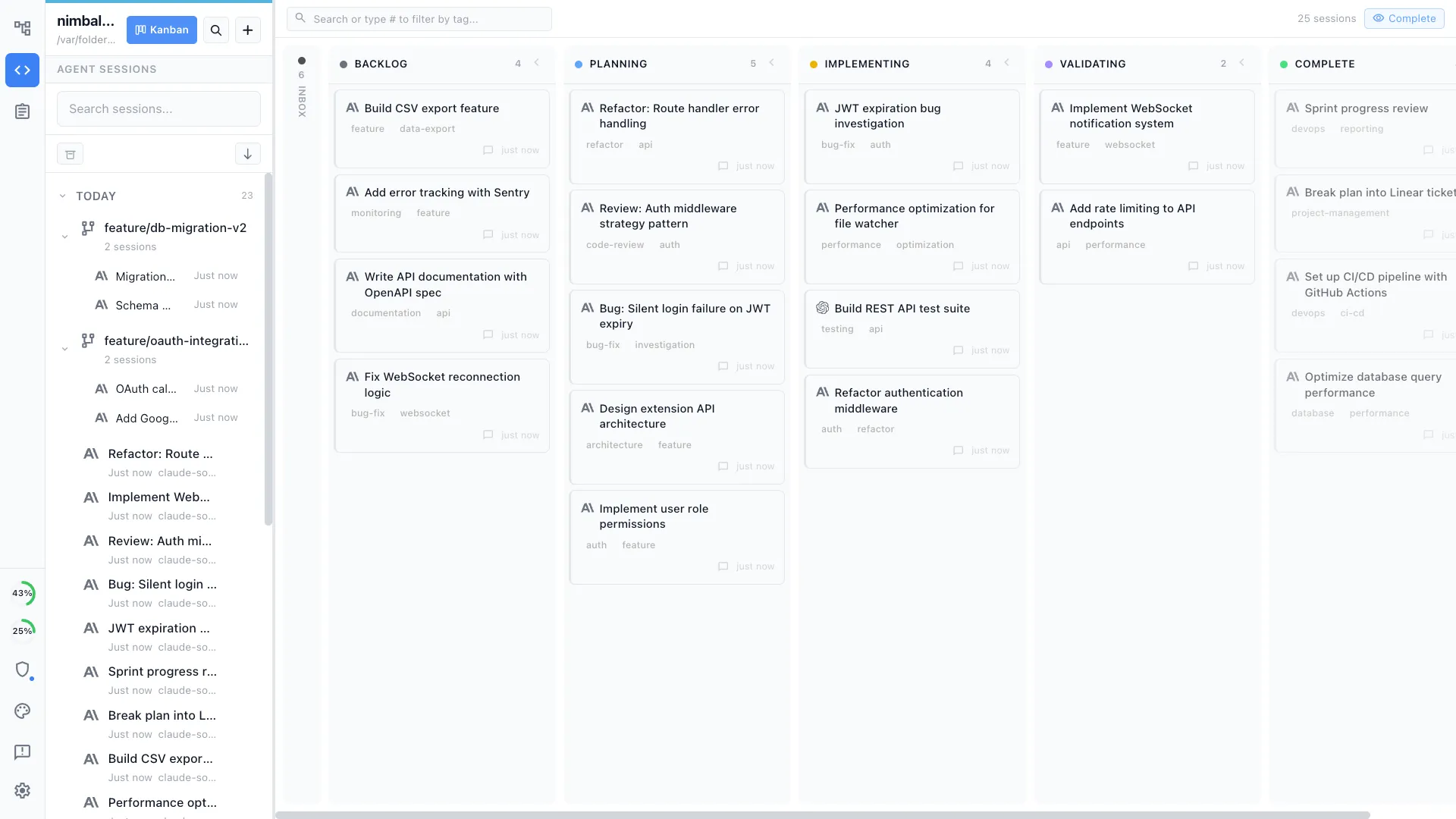
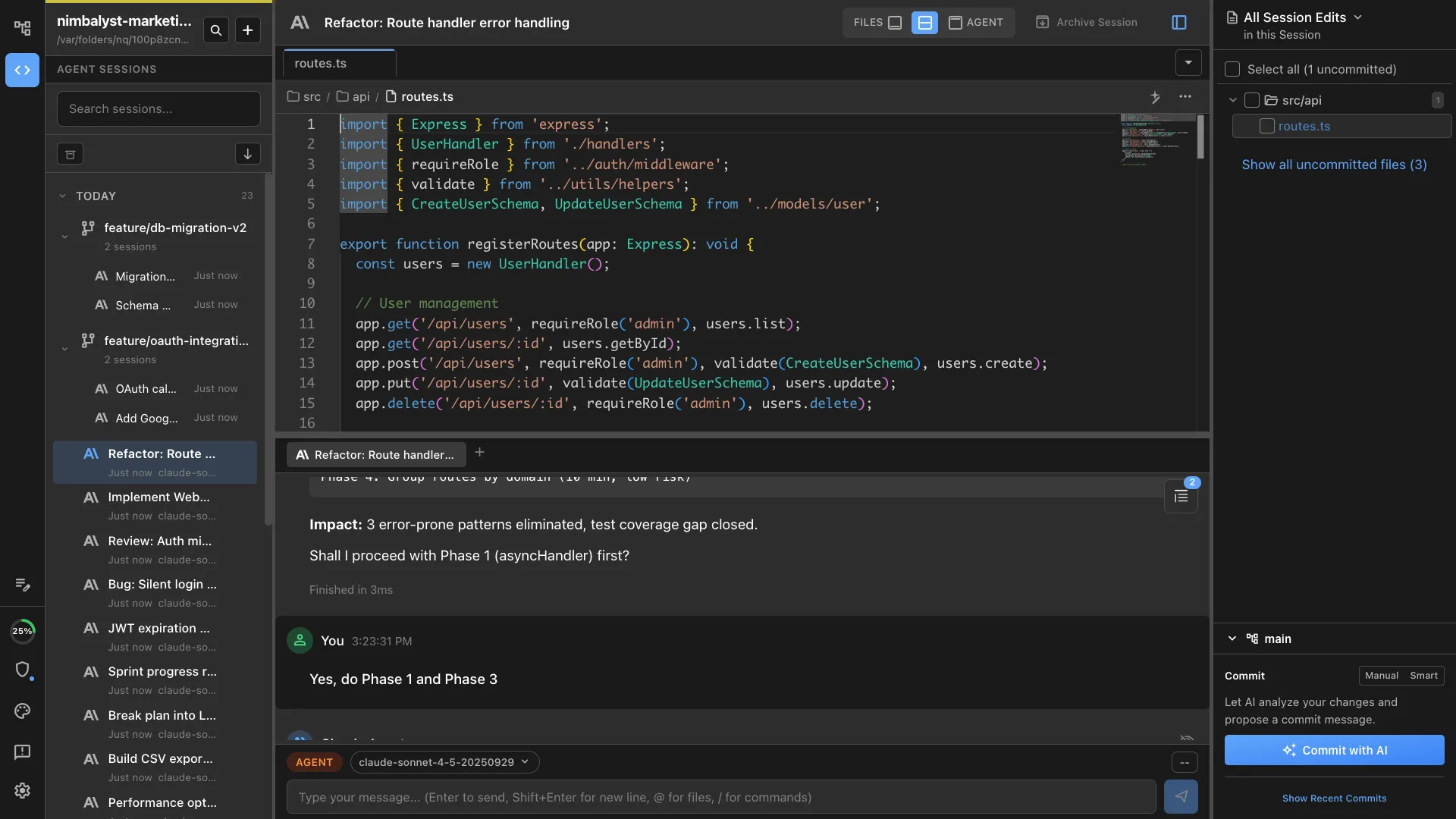
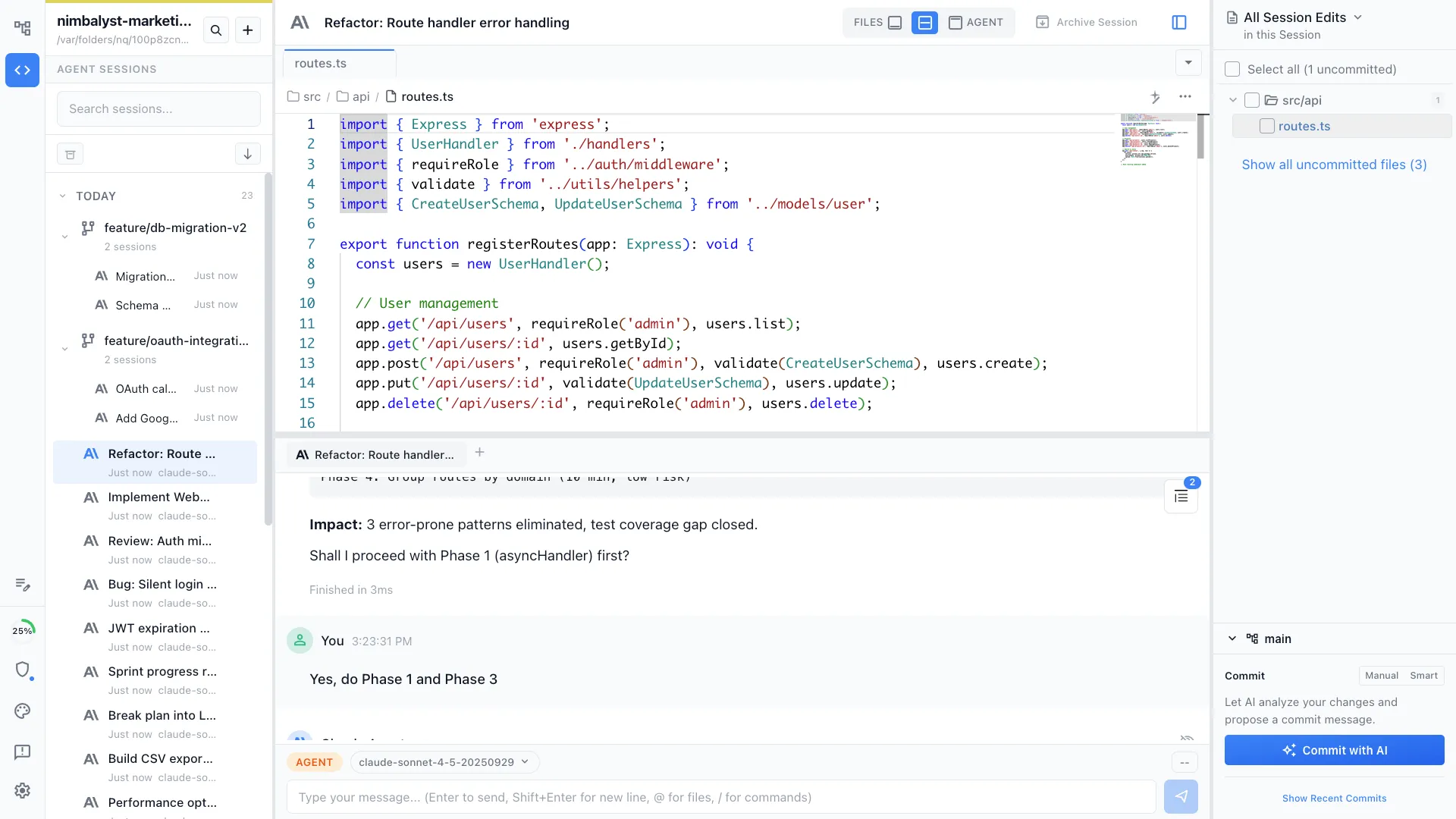
Nimbalyst is the open-source multi-agent visual workspace for shipping software with Claude Code, Codex, and additional harnesses. Every session gets its own transcript, review surface, and kanban card, with optional one-click git worktree isolation. Desktop and iOS apps are MIT licensed.
Conductor
Conductor is a macOS app for running Claude Code, Codex, Cursor, and OpenCode agents in parallel. It gives each task an isolated git-backed workspace, terminal, transcript, diff, and review path through to pull request and merge, and its paid tiers add vendor-managed cloud sandboxes, multiplayer, and an API.
Feature Comparison
Side-by-side breakdown
Nimbalyst Advantages
Where Nimbalyst shines
Parallel agents on every desktop platform
Both products support the core worktree pattern. Conductor is limited to macOS. Nimbalyst runs the same parallel-session workflow on macOS, Windows, and Linux, which matters the moment a team spans more than one desktop OS.
Visual editors instead of transcript-only output
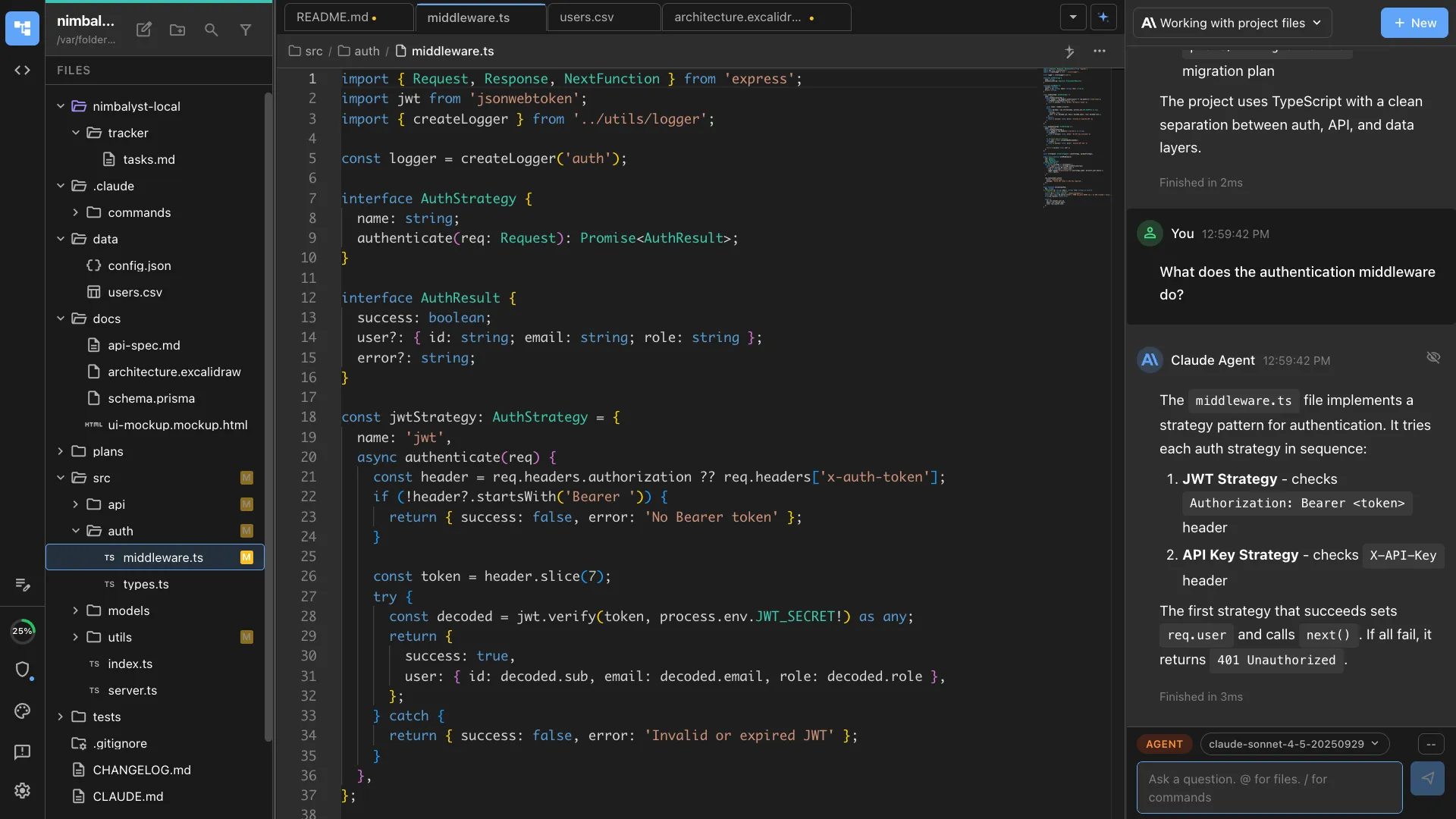
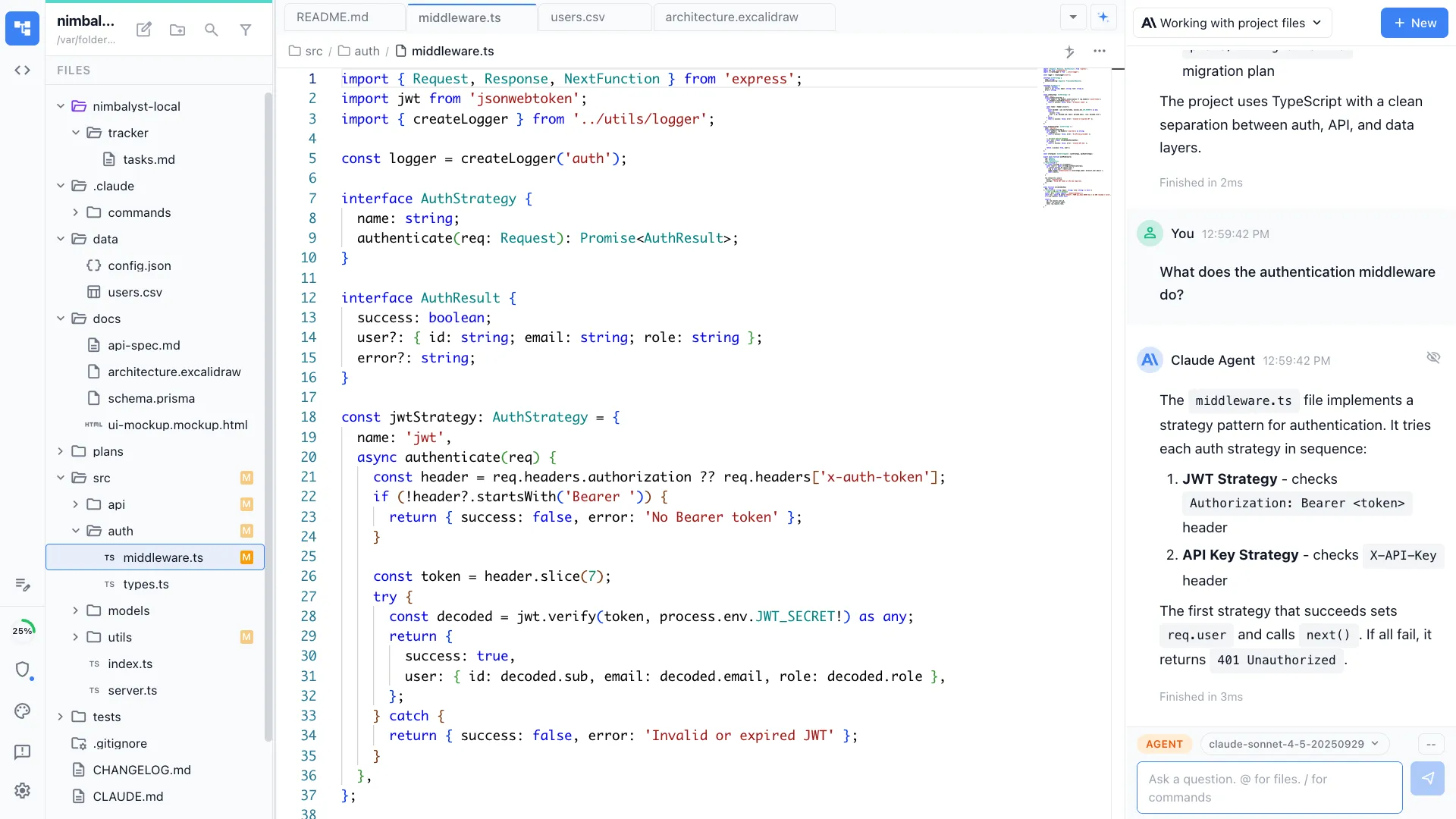
When an agent produces a mockup, architecture diagram, Prisma schema, or markdown spec, Nimbalyst opens it in a real editor. The artifact stays live and editable inside the same workspace instead of being pushed into a transcript and an external tool.
Review and approve from a phone
The native iOS app gives teams a live view of sessions running on the desktop, plus transcript review, diff review, and approval flows. Conductor's product surface is still Mac only.
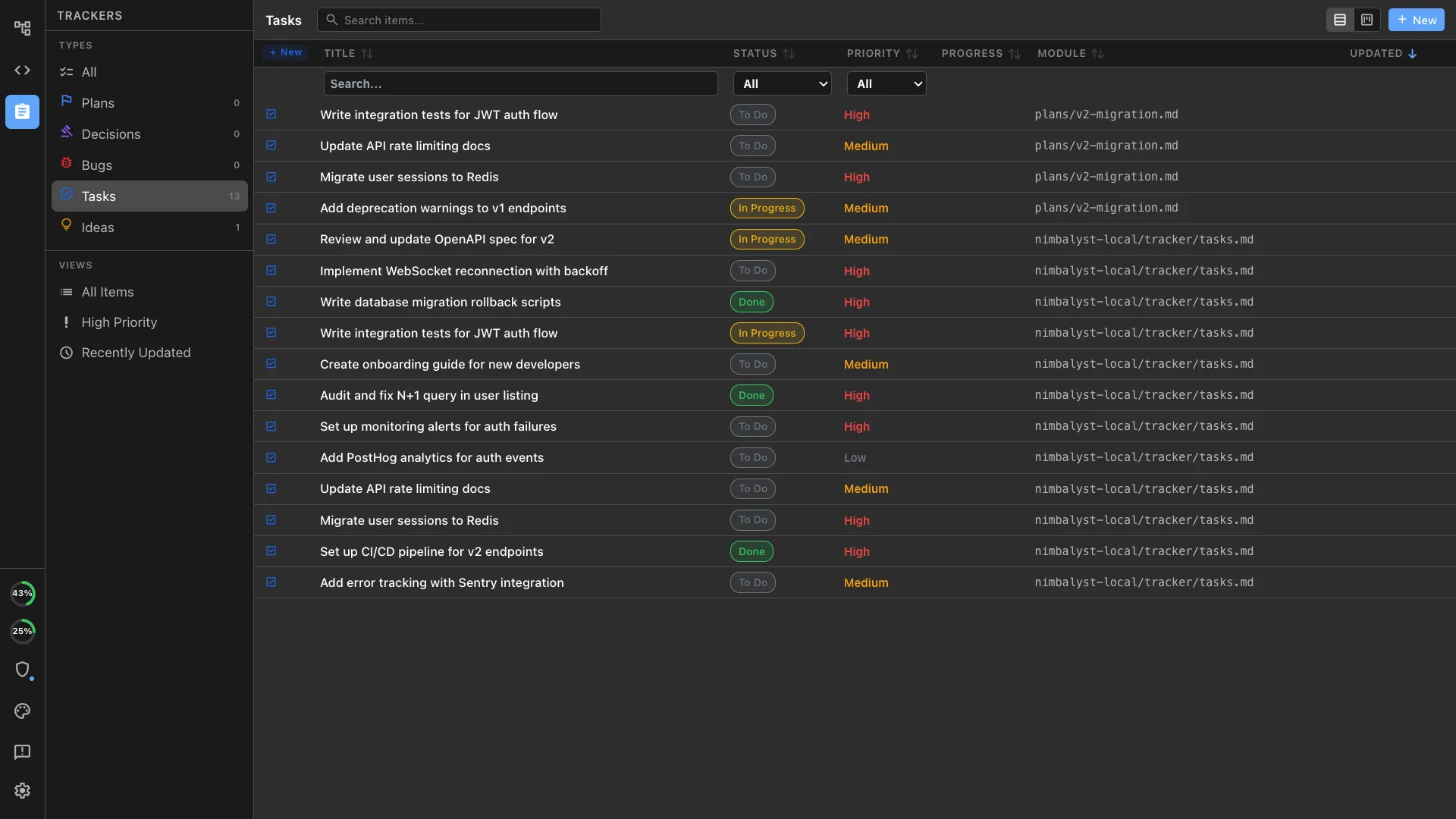
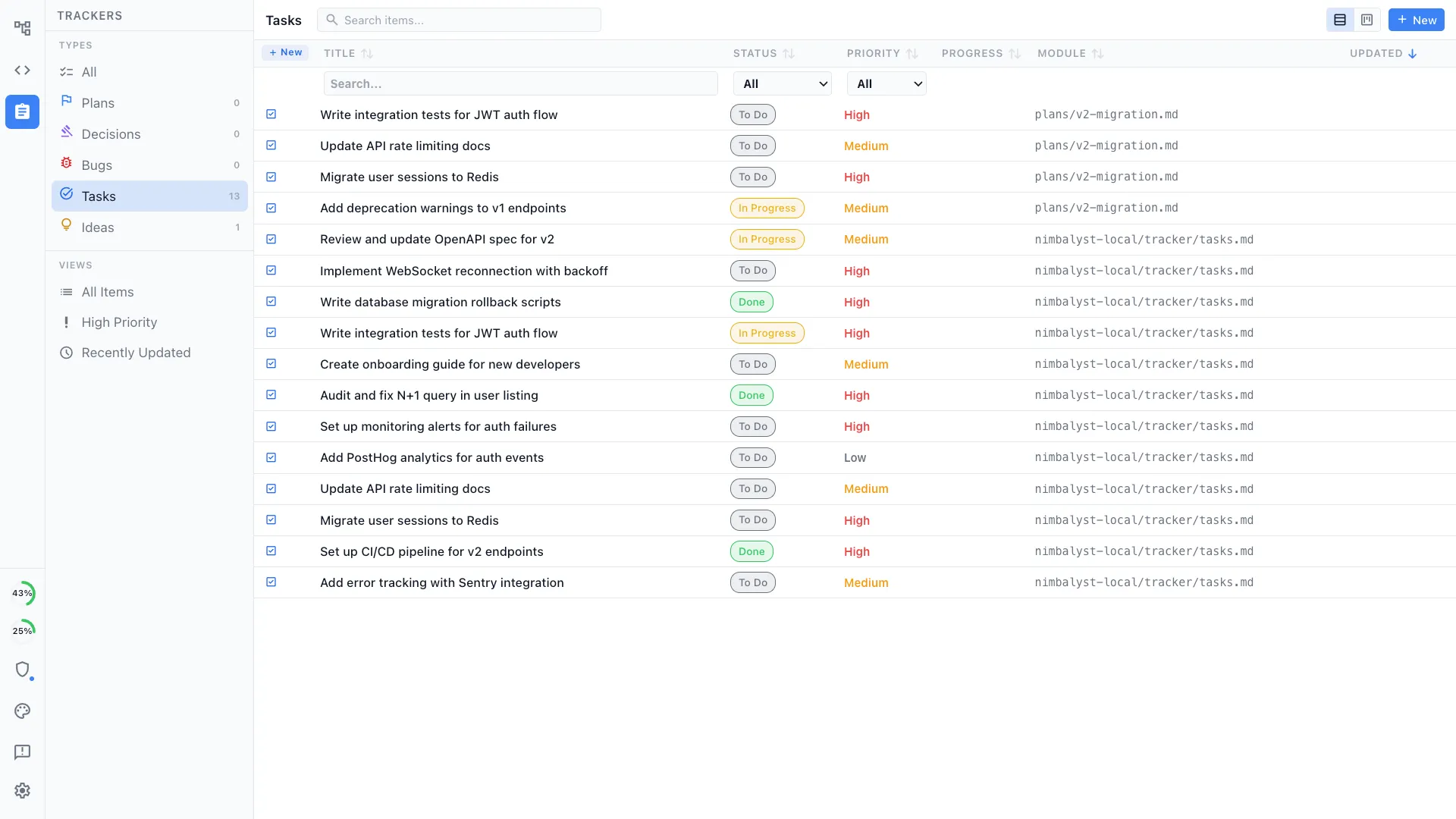
Plans and trackers tied to sessions
Write a plan as markdown, split it into tracker items, launch a session from each item, and keep the implementation loop attached to the same workspace state. Conductor is intentionally narrower.
A wider agent surface
Conductor supports Claude Code, Codex, Cursor, and OpenCode. Nimbalyst runs Claude Code and Codex side by side with OpenCode supported and Gemini CLI in alpha, and lets teams add further harnesses and installable extensions without changing the session and review model.
Honest Assessment
Where Conductor is stronger
Focused orchestration
Conductor is built around one job: launching, watching, reviewing, and merging parallel coding-agent workspaces on a Mac. Teams that want a narrower control plane may prefer that focus.
macOS-native product
A Mac-only product can lean hard into native desktop conventions. Teams that are entirely on macOS may value that tighter platform focus.
Vendor-managed cloud sandboxes and multiplayer
Conductor Cloud runs agents in isolated sandboxes with repos and dependencies pre-installed by the vendor, rather than on hosts you provision yourself, and the Pro and Teams tiers add multiplayer on agent workspaces plus an API.
Recommendation
Who should use which
Choose Nimbalyst if…
Pick Nimbalyst if the team spans macOS, Windows, or Linux, wants a broader workspace around coding agents, needs mobile review, or benefits from visual editors, built-in planning, and open-source licensing.
Choose Conductor if…
Pick Conductor if every developer is on macOS and the priority is a focused orchestration layer, vendor-managed cloud sandboxes, or multiplayer on agent workspaces rather than a wider workspace.
More Comparisons
Related comparisons
vs Vibe Kanban
Another parallel-session product. Compare orchestration, kanban, and workspace depth.
vs Cursor
Cursor is an IDE with agents. Nimbalyst is a workspace built around agents.
Parallel Claude Code sessions
Landing page for the multi-session workflow.
Codex vs Claude Code
How the two coding agents compare, and running both in one workspace.
Use existing Claude Code and Codex access
How provider accounts, API keys, local models, billing, and usage limits fit into one Nimbalyst workspace.
Download Nimbalyst free for Windows, Linux, or macOS — the cross-platform Conductor alternative for Claude Code and Codex.
Free for individuals. Works with your existing Claude Code or Codex subscription or API key.
Nimbalyst Teams is multiplayer. Your whole team, Codex, and Claude Code in one shared workspace.